

 Español
 中文
 العربية
Time to Logout (TTL)
How can I quickly see time to logout?
Follow the steps below in order to see a user's time to logout (TTL) if the user is not logged to a PC or console.
-Click Dashboard in the web administrator and search for the username.
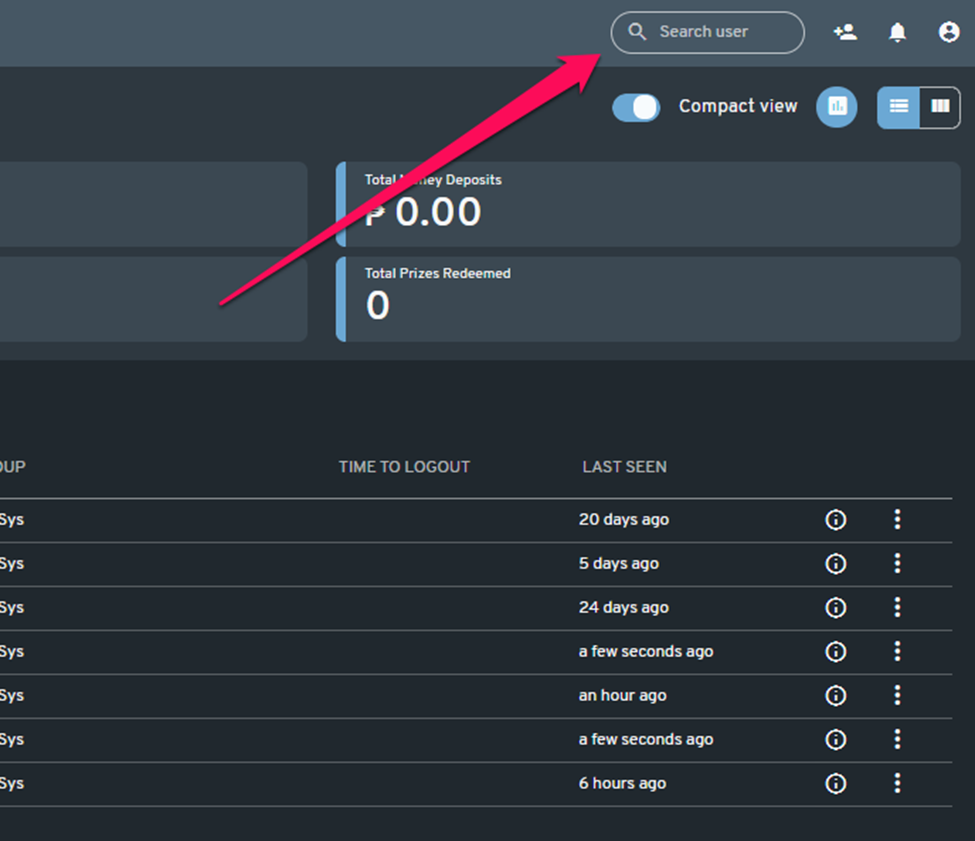
-User's TTL will be shown on the search result.
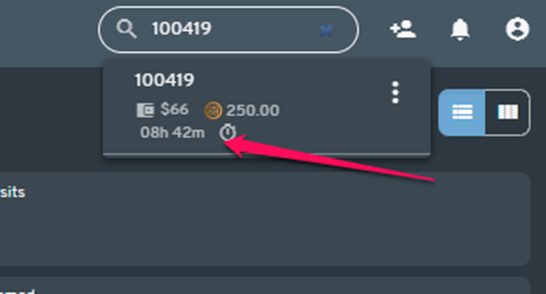
-Time to logout takes into account any offer type that is "Active" on a user account. TTL may be different than what is expected depending on the offer that is active in the user's profile. To evaluate the TTL of a user, click on the three dot context menu and select "View Profile".