

 Español
 中文
 العربية
Customizing ggLeap Client Sounds
Steps to Change ggLeap Sounds:
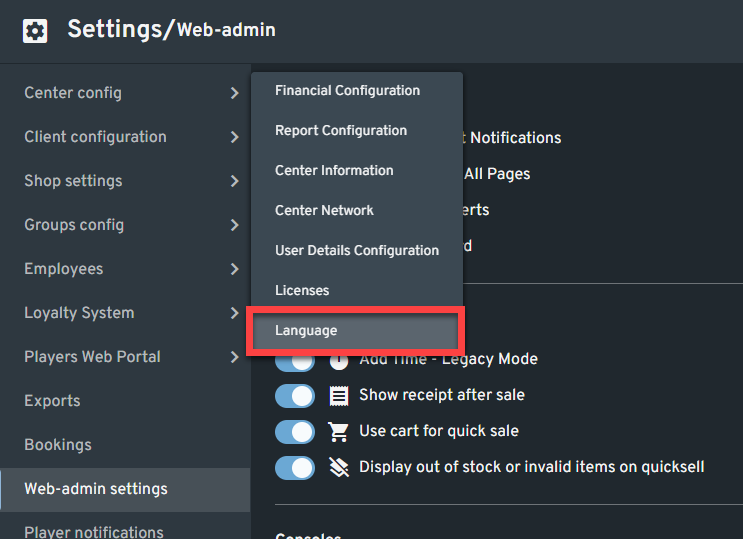
- Go to Settings > Center Config > Language.
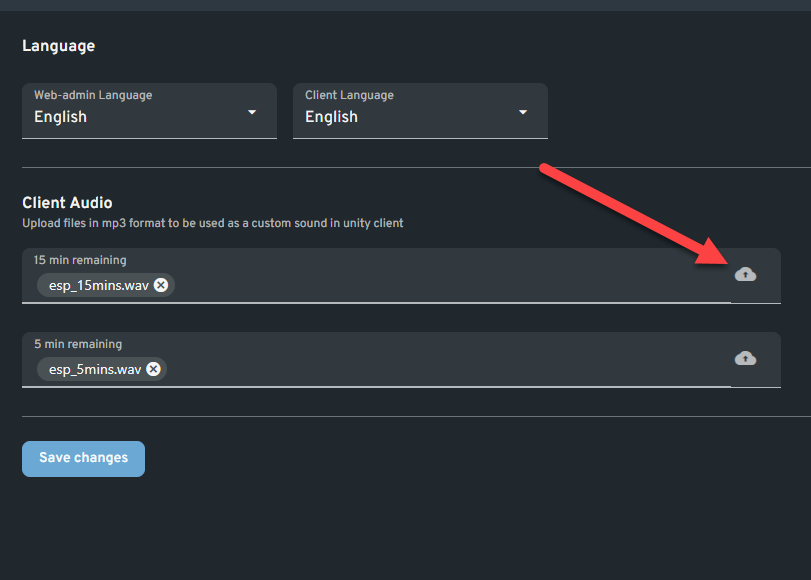
- Under Client Audio, click the Upload icon next to the sound you want to customize.
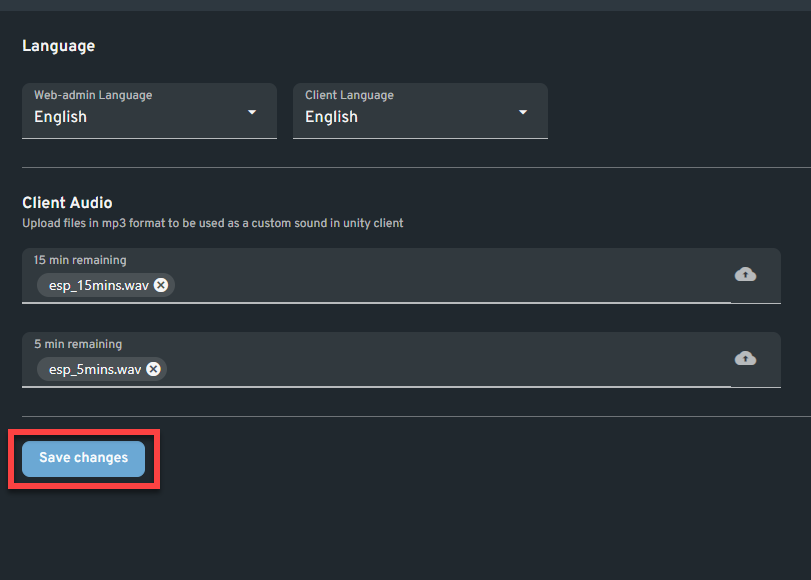
- Once uploaded, click Save Changes.
Steps to Change ggLeap Sounds:
Chat with us or send us an email. Chat is open 24/7 through the bubble at the bottom right.