

 Español
 中文
 العربية
Discord Configuration
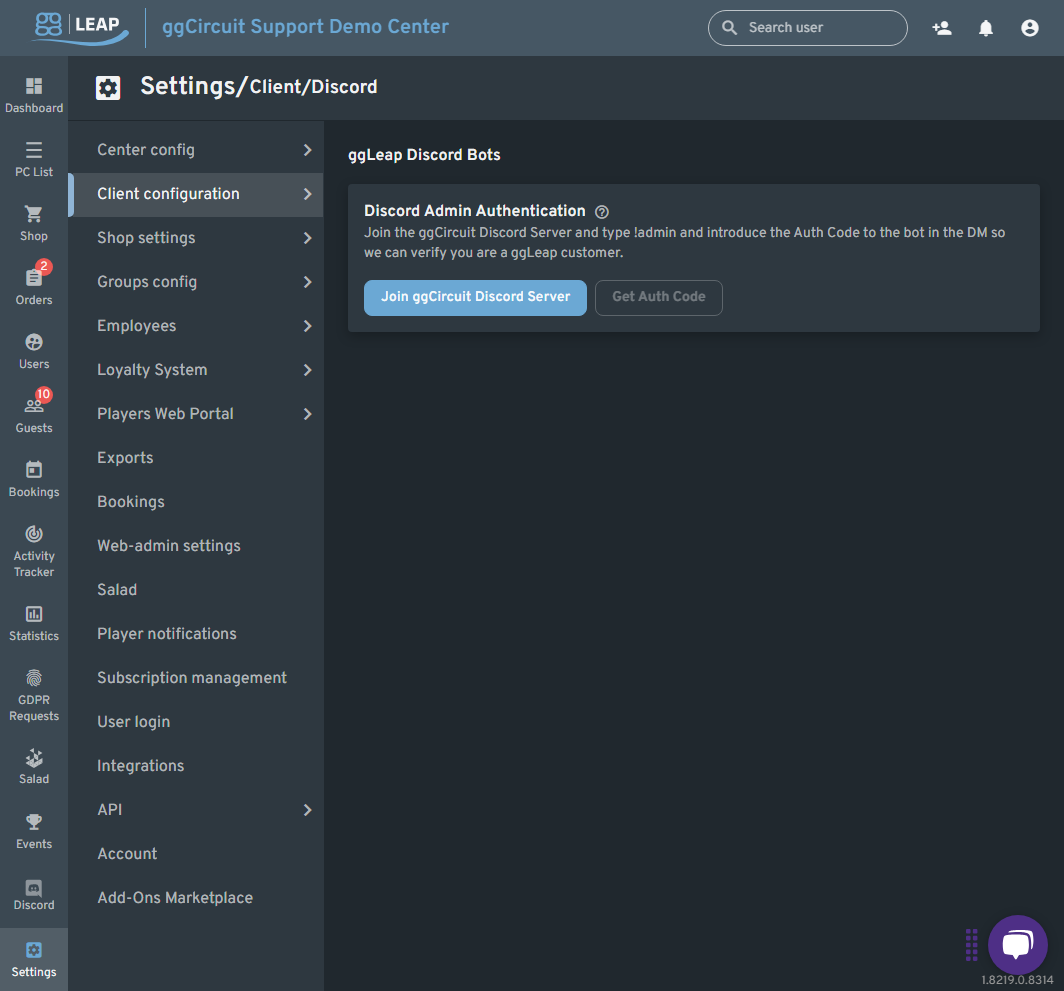
Location: Settings ▶ Client configuration ▶ Discord
/
Leverage ggLeap’s integrated Discord bot to manage your center from within your Discord server—send alerts, run admin commands, and receive login/logout notifications in real time.
9.1 Discord Admin Authentication
- Join ggCircuit Discord Server
- Click Join ggCircuit Discord Server to open the official invite.
- In your server’s bot channel, type
!adminto register as a ggLeap admin.
- Get Auth Code
- Once you’ve successfully run
!admin, the Get Auth Code button becomes active. - Click it to receive a one-time code via a direct message from the bot.
- Paste that code back into the ggLeap UI to complete authentication.
Note: Only authenticated admins can issue bot commands or configure Discord-based notifications.