Español
 中文
 العربية
How to Download the ggLeap Client
How to Download the ggLeap Client This article outlines the steps necessary to download the ggLeap Client.
-
After subscribing to ggLeap, you will receive a URL via email where you can create an account for Web Administrator access.
-
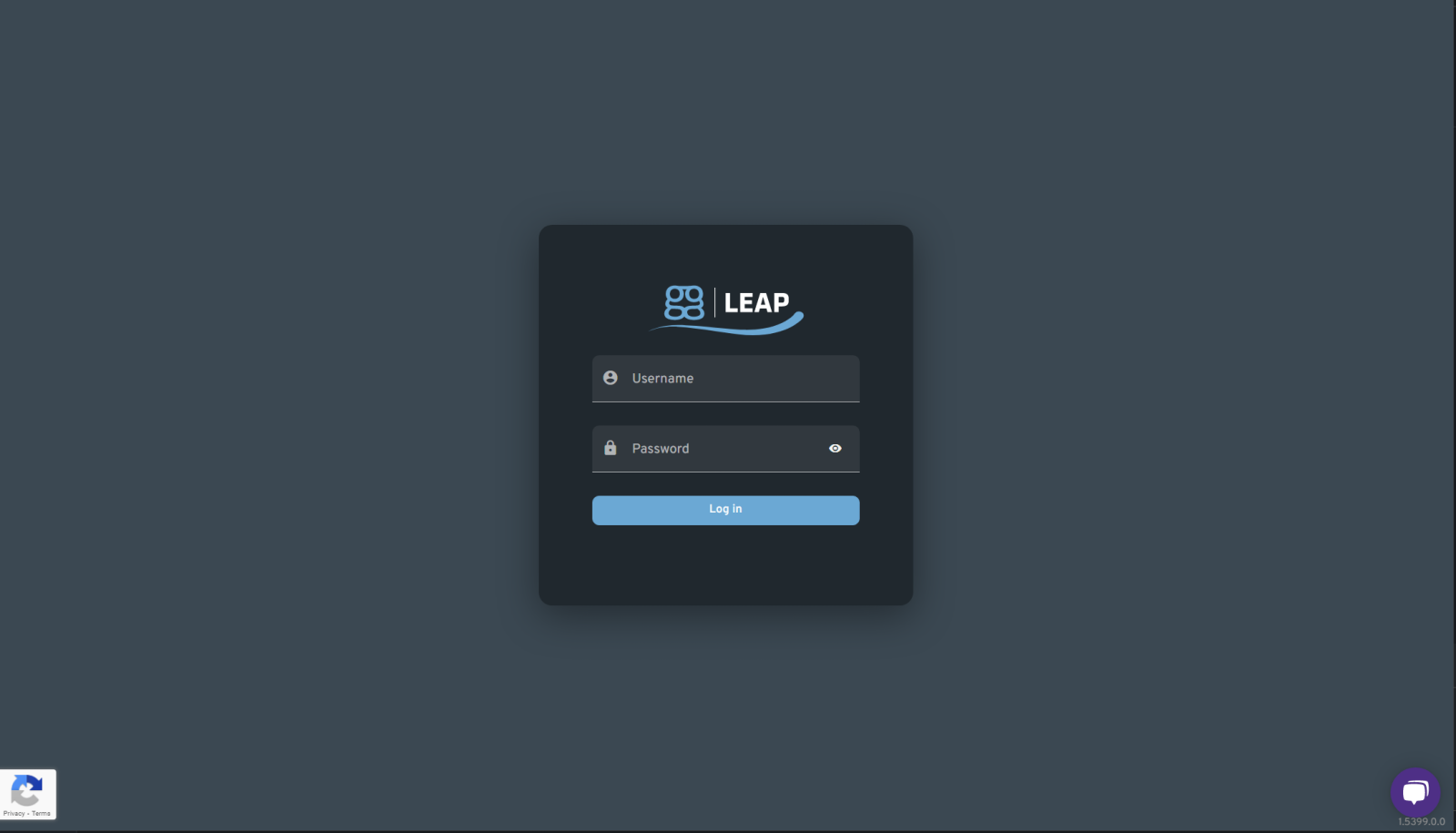
Log into the ggLeap Web Admin with the created account.
-
-
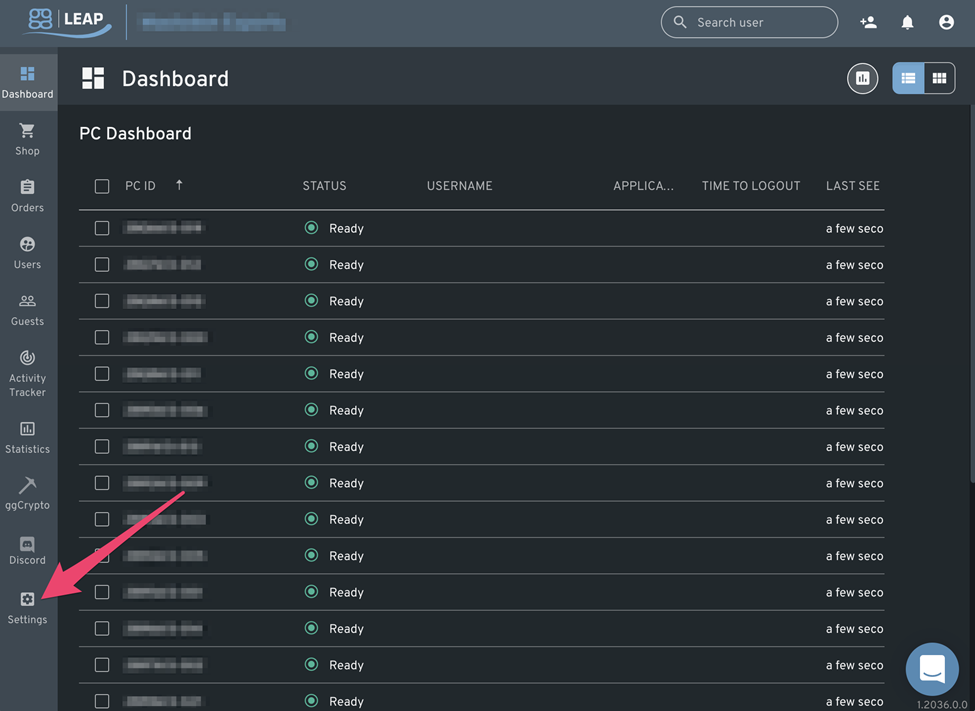
From the "Dashboard" screen, click the "Settings" button.
-
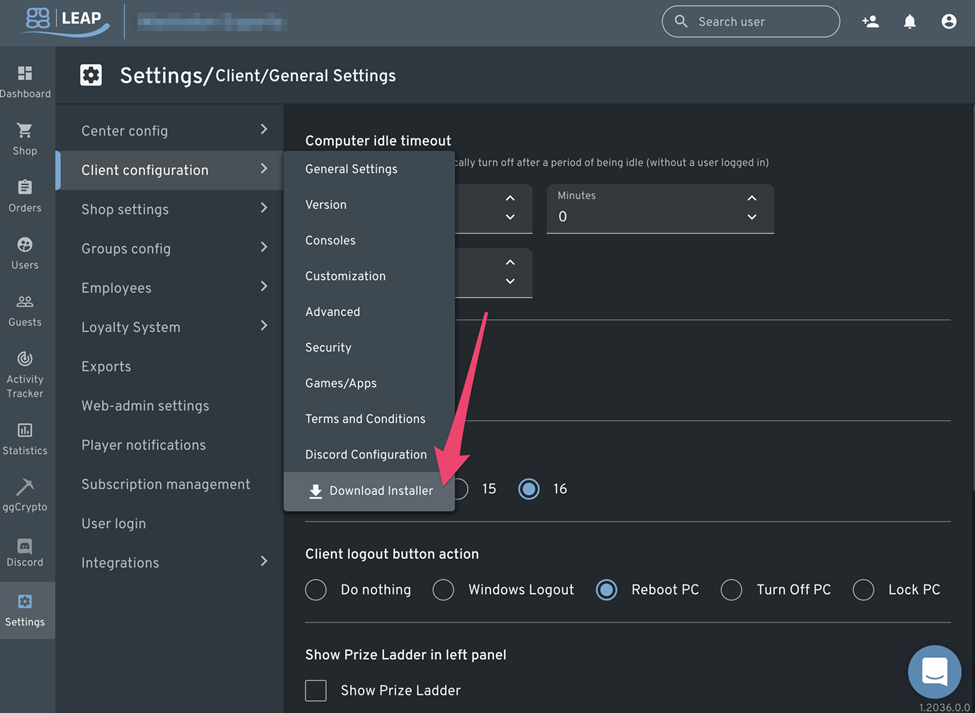
From the "Settings" screen, hover over the "Client configuration" menu, then click the "Download Installer" menu item.