Español
 中文
 العربية
Organizing Items with Categories in Shop Configuration
Add a category
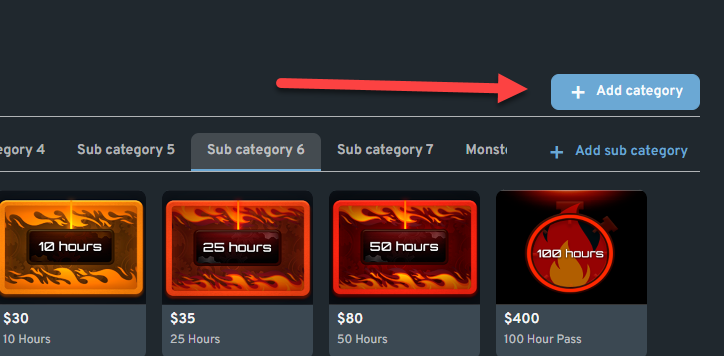
Navigate to Settings > Shop Settings > Shop Configuration. By default, you’ll see categories such as Offers, Snacks, and Prizes. To add a new category, simply click the “+ Add Category” button located on the right side of the screen.
Edit a Category
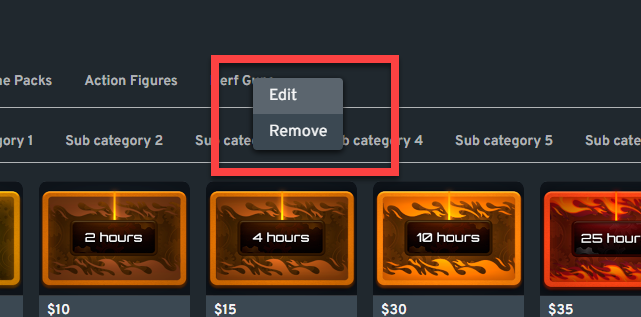
Right-click on a category and click "Edit". You can change the category name, select an icon/logo, and/or apply an overall tax percentage. Click "Save" to apply the changes.
Delete / Remove a Category
Right-click on the category and select "Remove".