Español
 中文
 العربية
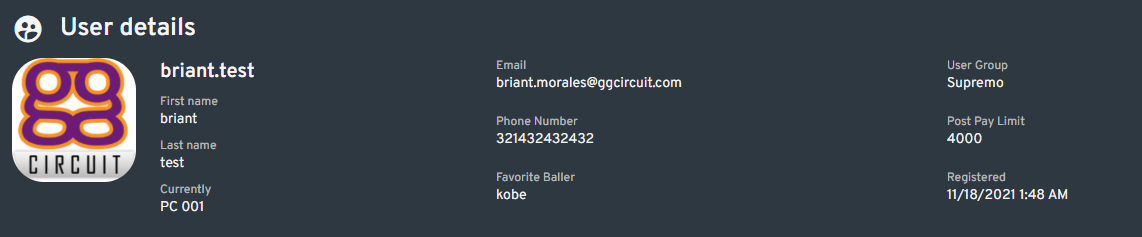
👤 User Profile Overview
This article provides a detailed overview of what you can see and do when viewing a user's profile via the "View Profile" function in ggLeap.
User Information Section
Located at the top of the page, this section displays the user's basic details such as:
- Name
- Date of Birth (DOB)
- Account status, and more
⚙️ Function Buttons
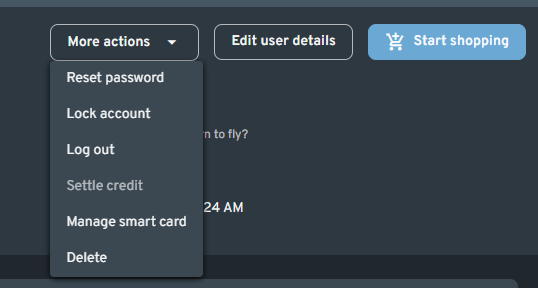
Found on the upper-right corner of the profile page, this section includes quick-access buttons that let you:
- Edit the user's profile
- Open the Shop
- Perform other key actions
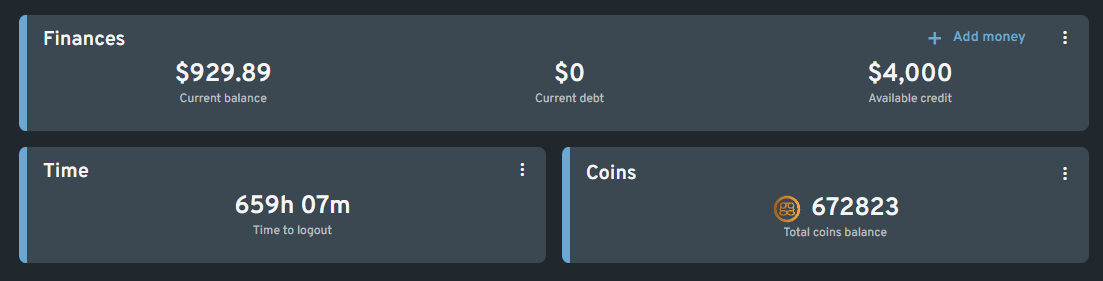
💰 Coins, Time, and Finances
Coins
Displays the total number of coins the user has earned.
Time
Shows the user's Time to Logout, including any active offers or time added via Legacy Mode.
Click the three dots button (More Options) to:
- Add or remove time (if Legacy Mode is enabled)
Finances
Displays the user's current account balance (money deposited).
You can:
- Add money via the + Add Money button
- Click the three dots (More Options) to withdraw money or settle any outstanding debt
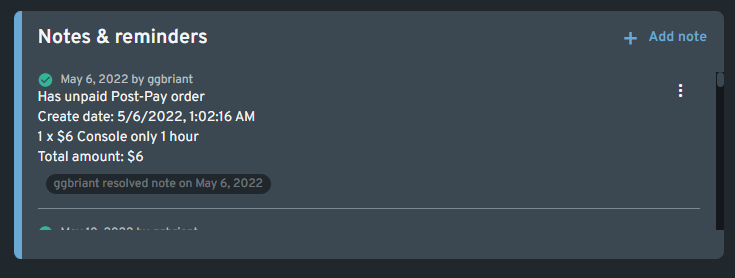
📝 Notes & Note Types
You can leave notes on a user's profile, categorized by type:
- Standard – A regular note for internal reference
- Important – Highlights key info; displays a ⚠️ yellow exclamation icon
- Critical – Requires staff acknowledgment before any transaction; shows a ❗ red exclamation icon
📊 User Activity Chart
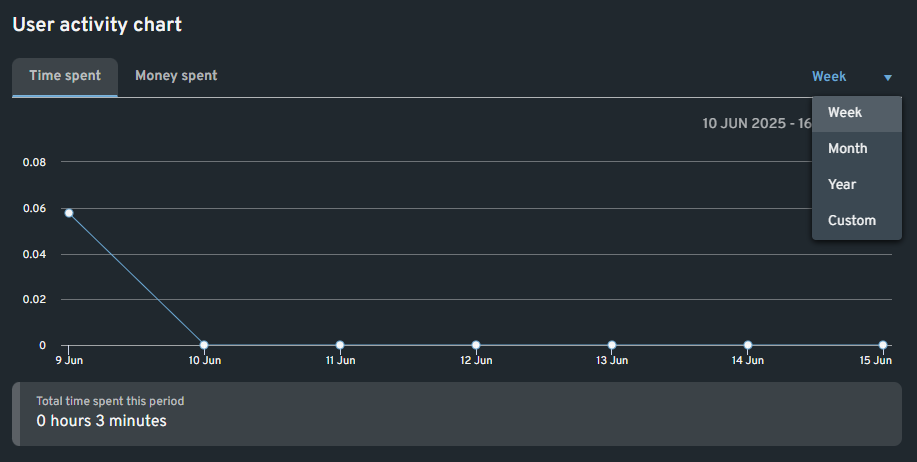
This section provides a graphical overview of:
- Time spent
- Money spent
You can filter the data by time period using the dropdown menu on the upper right.
🎁 Offers
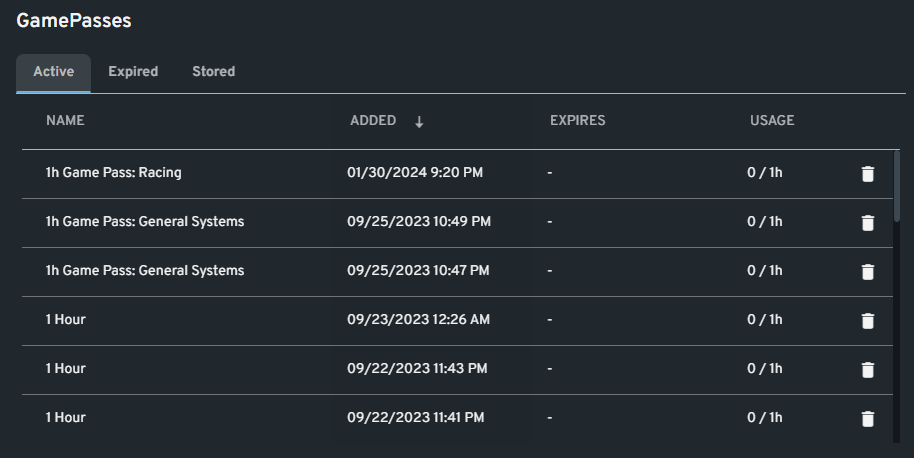
Displays the user's:
- Active offers (contribute to total Time to Logout)
- Expired offers
- Stored offers
You can refund an active offer by clicking the bin icon to the right of it.
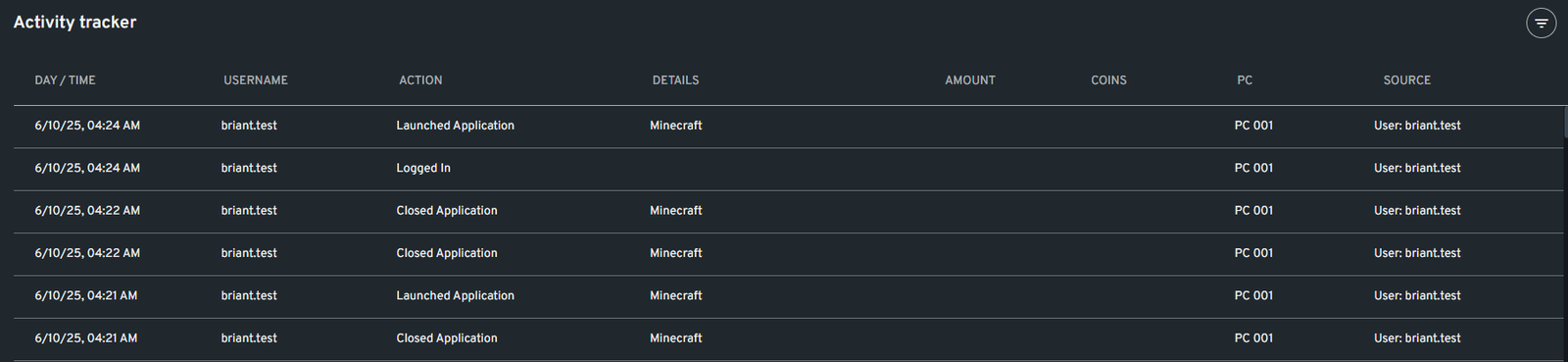
🧾 Activity Tracker
This section mirrors the main Activity Tracker but only shows the logs relevant to the currently viewed user. It's helpful for tracking user-specific interactions and behavior.