Español
 中文
 العربية
How to search for a user
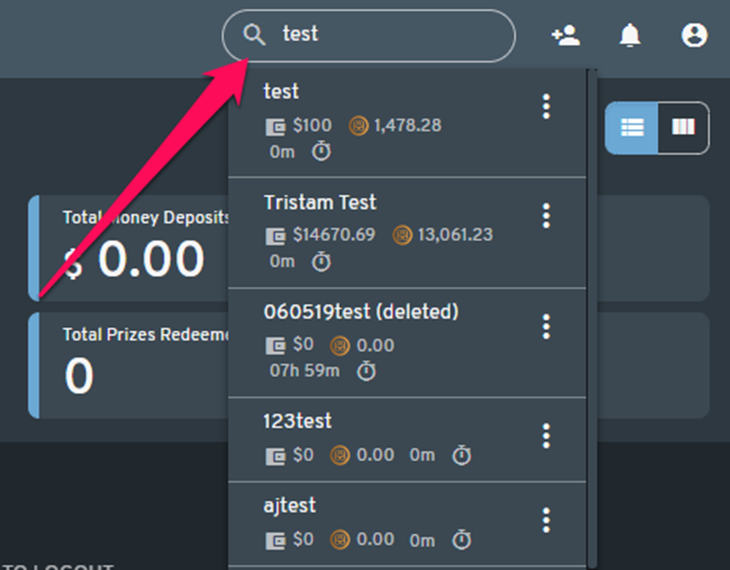
Go to the Dashboard section of the webadmin and type the name of the user in the user search field which is located in the upper right side of the screen.
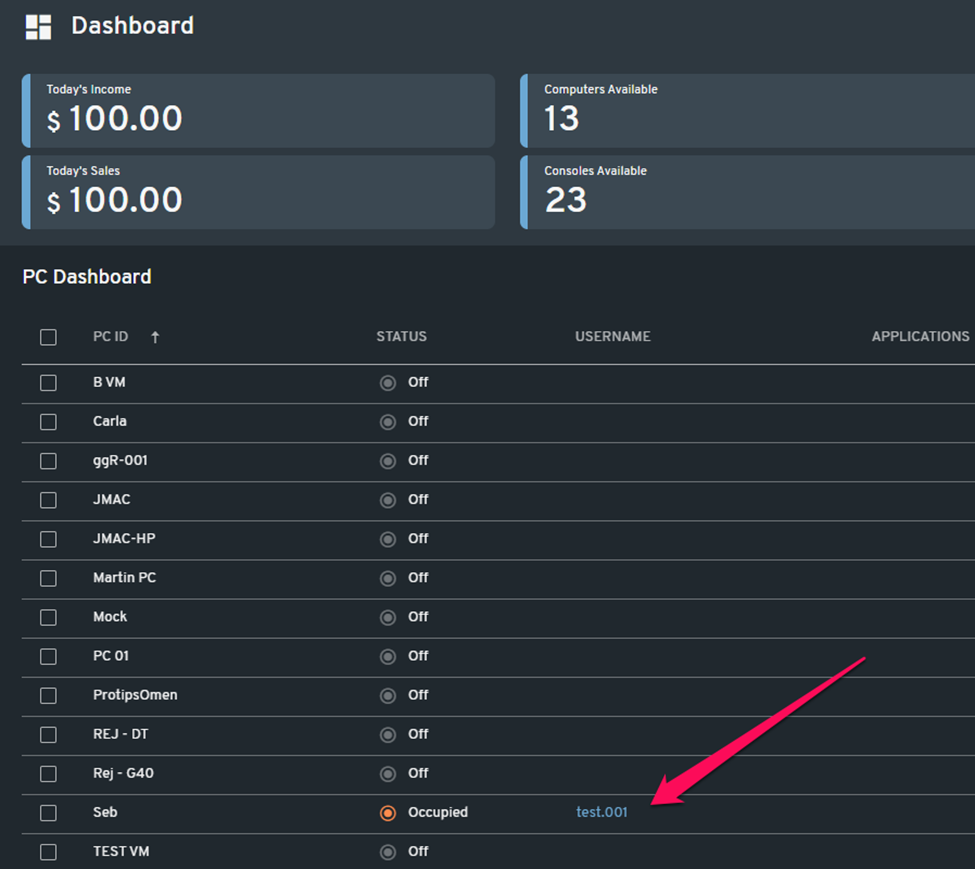
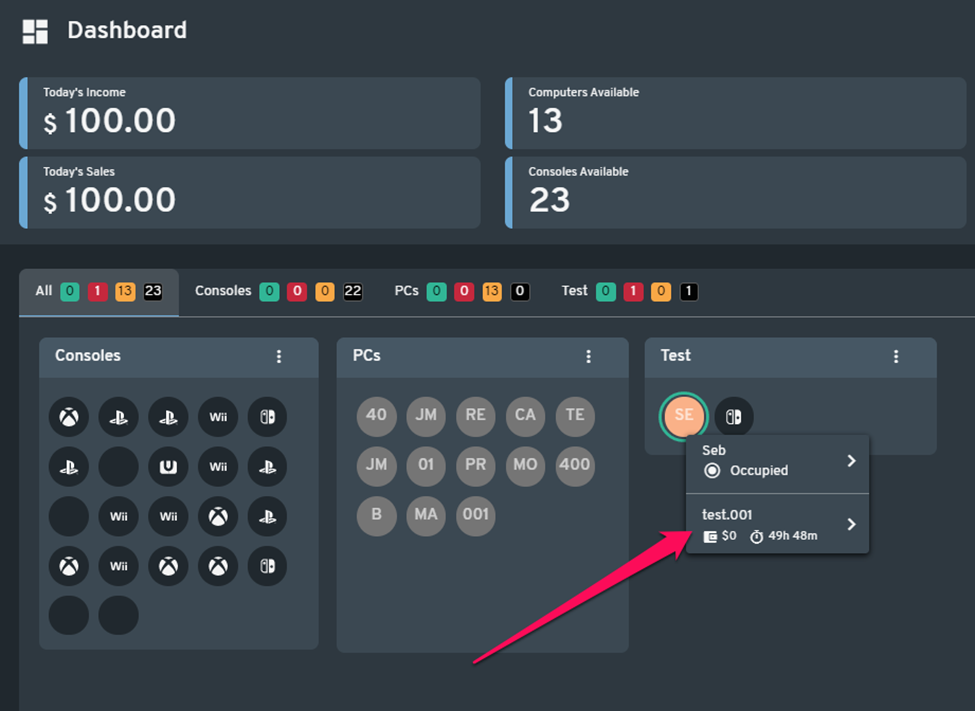
Users can also be located in the PC and console area (list and graphical view) of the Dashboard, provided that they are currently using a PC or console in your center.