

 English
 Español
 中文
ggRock Server Offline - Disk Full
هذه المقالة غير متوفرة بعد باللغة العربية. نعرضها باللغة الإنجليزية.
GGRock Server Offline — Disk Full (Log Files)
Applies to: GGRock servers running on Debian Linux
Signs / Symptoms
-
Unable to access the GGRock Web UI or Debian control panel — locally or via port 443 / 9090
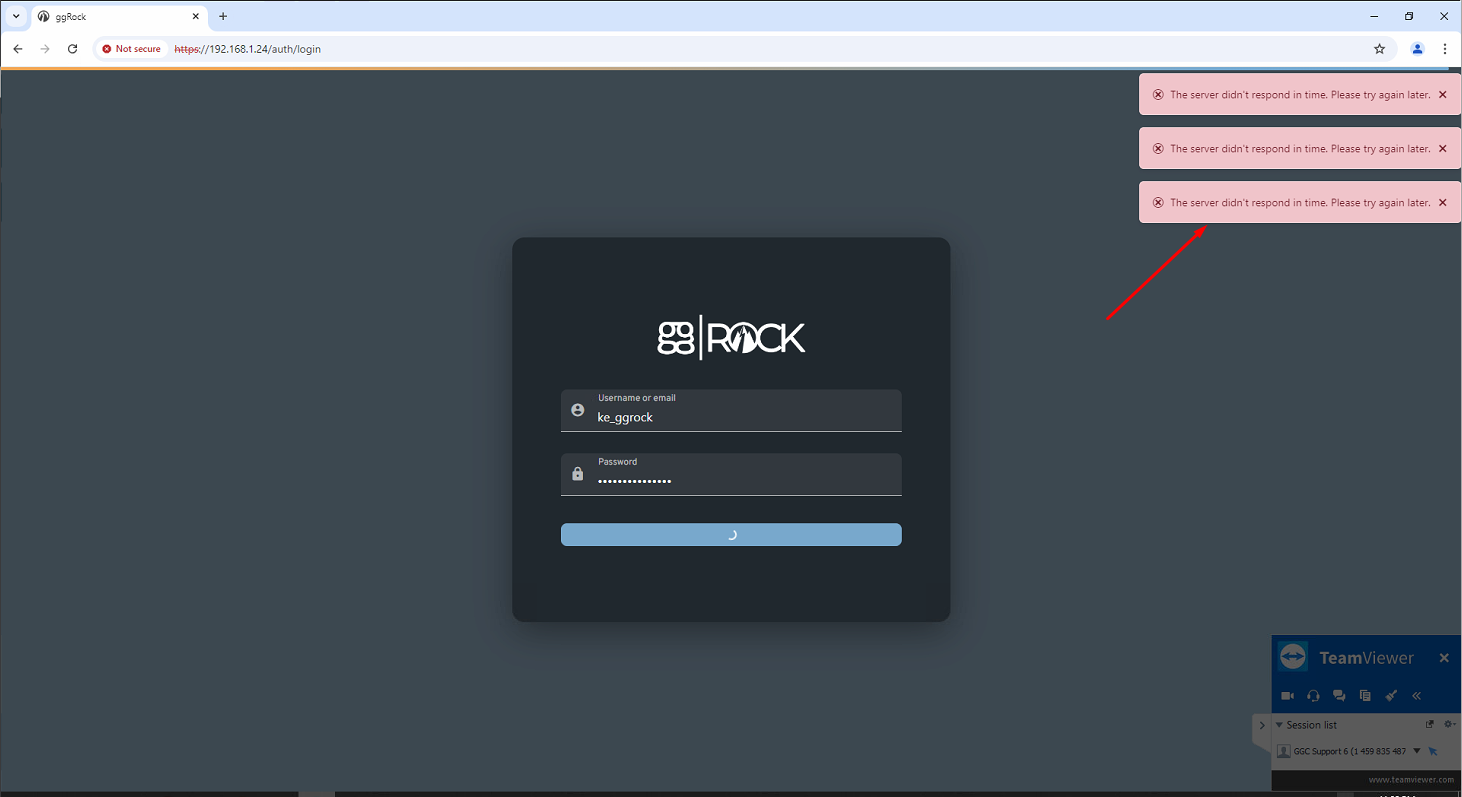
-
Login attempts return: "The server didn't respond in time. Please try again later."
Root Cause
The /var/log partition has filled up with oversized log files (>100MB), causing the OS to run out of usable temporary disk space. This prevents services from starting correctly.
Resolution
Step 1 — Run the configurator
ggrock-linux-configurator
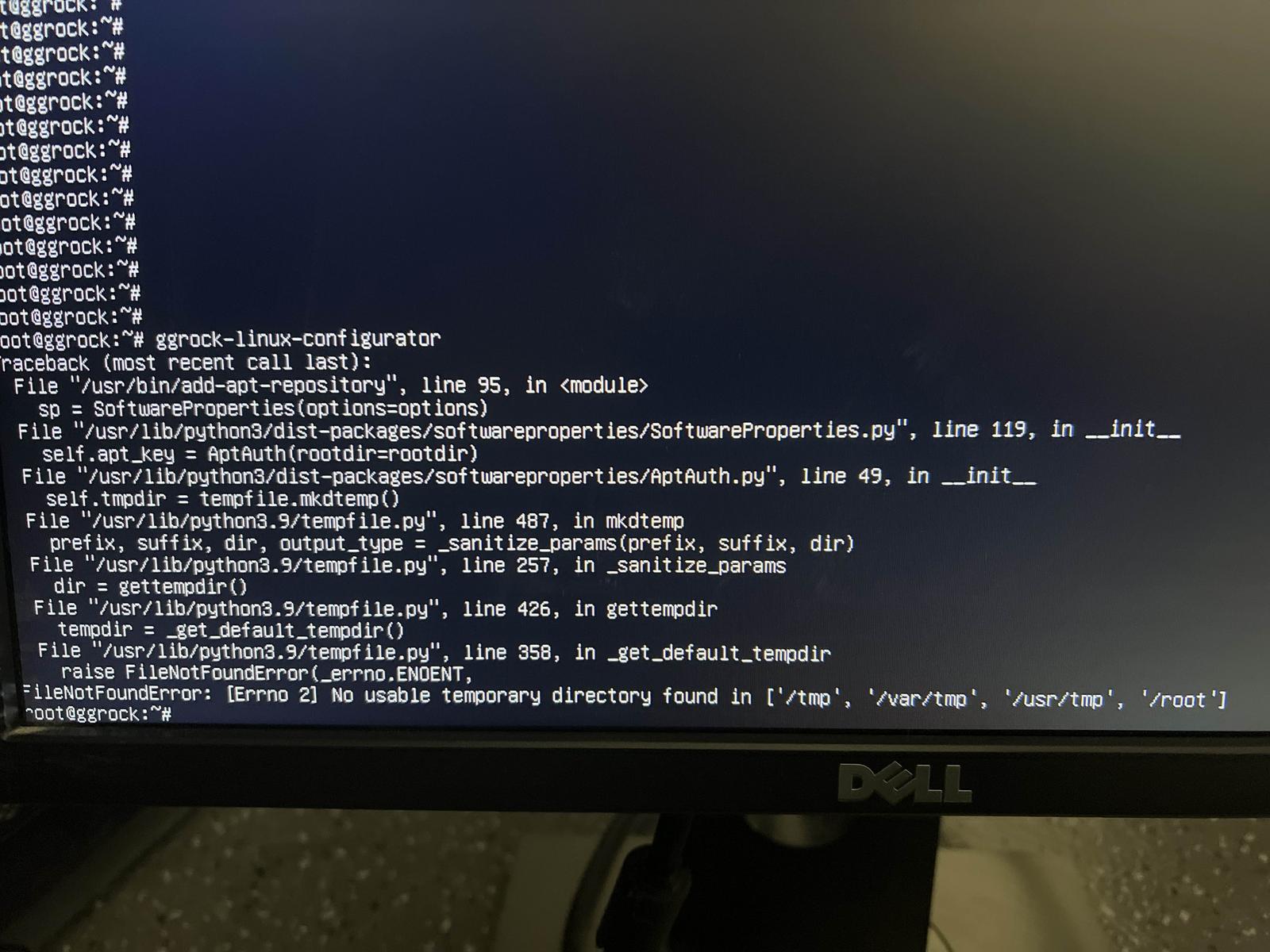
Step 2 — Find oversized log files
Run the following to identify log files larger than 100MB:
find /var/log -xdev -type f -size +100M
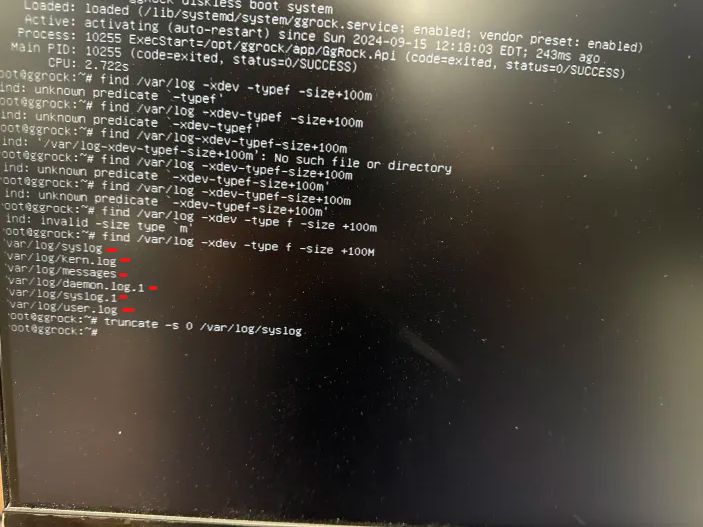
Example output may include files such as:
/var/log/syslog/var/log/kern.log/var/log/messages/var/log/daemon.log.1/var/log/syslog.1/var/log/user.log
Step 3 — Clear the oversized log files
This command truncates (empties) all log files larger than 100MB without deleting them:
find /var/log -xdev -type f -size +100M -print0 | xargs -0 truncate -s 0
Step 4 — Reboot the server
shutdown -r now
Step 5 — Run updates and configurator (after reboot)
Once the server is back online, run the following commands in order:
ggrock-linux-configurator
apt-get update
apt-get upgrade
ggrock-linux-configurator
Step 6 — Final reboot
shutdown -r now
Step 7 — Verify GGRock Web UI
Once the server is back online, confirm you can access the GGRock Web UI via browser. Login should succeed without timeout errors.