

 Español
 中文
 العربية
Employees list
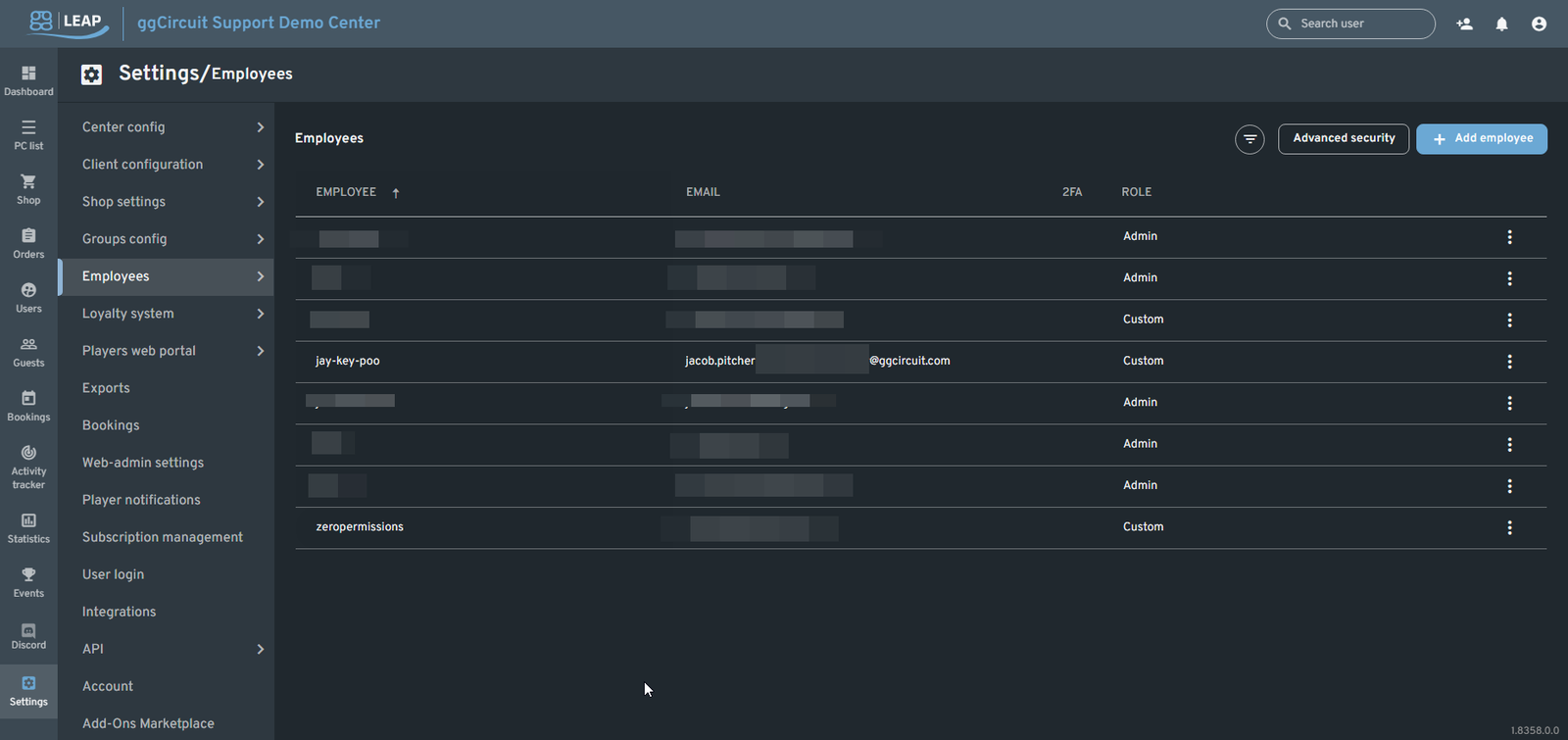
Employees
Location: Settings ▶ Employees
Manage all web-admin accounts for your ggLeap center—define logins, roles, permissions, and security requirements for every staff member.
Overview
The Employees page displays:
| Employee | 2FA | Role | |
|---|---|---|---|
| jay-key-poo | jacob.pitcher@ggcircuit.com | ✓ Enabled | Custom |
| zeropermissions | example@ggcircuit.com | – Disabled | Admin |
| … | … | … | … |
- Advanced security button
- + Add employee button
- Filter icon for name/role searches
- Row-level actions via icons and ⋮ menu
Filtering & Search
Click the filter icon to reveal fields above the table:
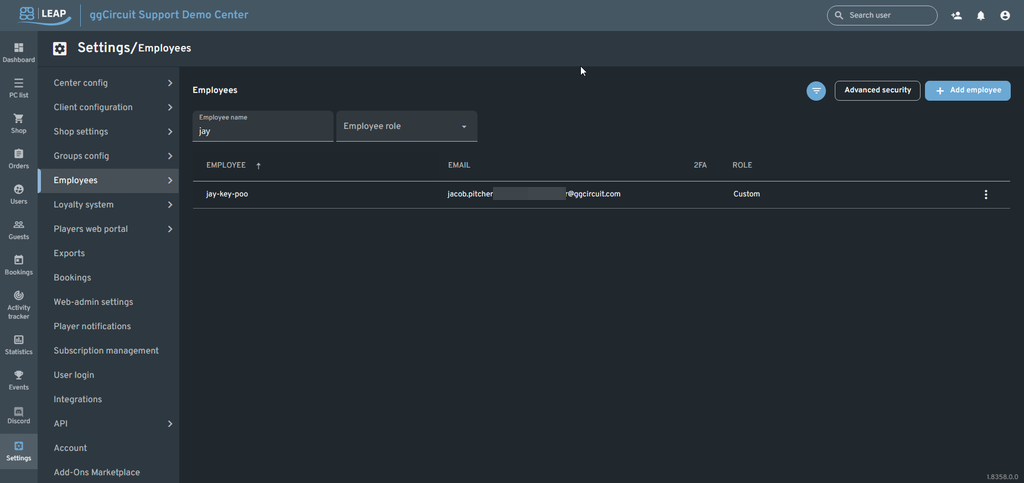
- Employee name (partial-match)
- Employee role (dropdown)
Combine filters to quickly find a specific admin account.
Advanced Security
Click Advanced security to enforce global rules for all employees:
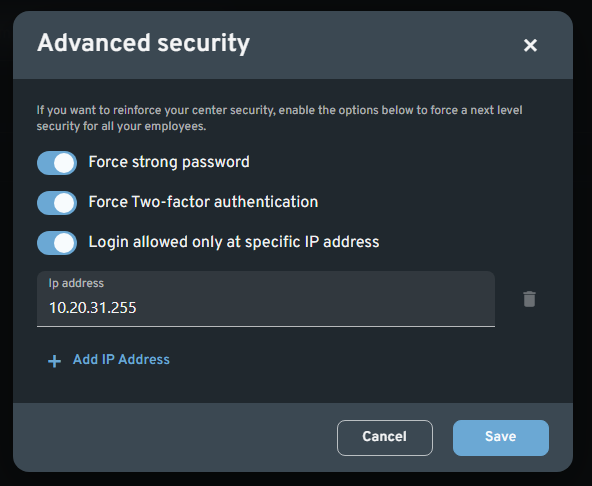
- Force strong password
- Force Two-factor authentication
- Login allowed only at specific IP addresses
• Add one or more CIDR/IP entries
These settings lock down web-admin access across your entire center.
Adding an Employee
Click + Add employee to open the dialog:
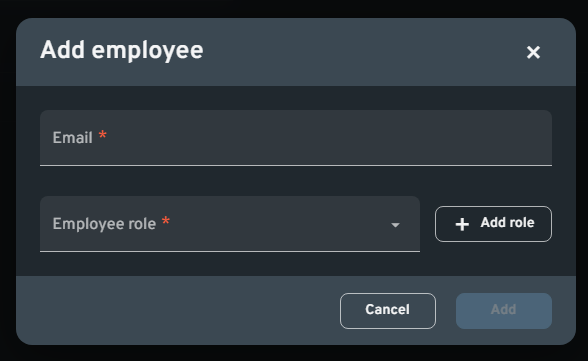
- Email: The staff member’s email address
- Employee role: Select an existing role or + Add role
- Add: Sends an invitation email with setup instructions
Quick Actions
Hover over a row or click its action icons:
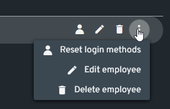
| Icon | Action |
|---|---|
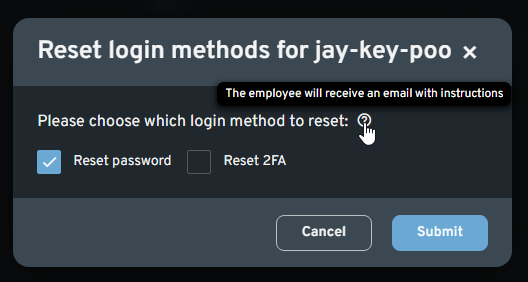 |
Reset login methods Choose to reset password and/or 2FA; an email is sent to the employee. |
 |
Edit employee Adjust username, email, role, and granular permissions. |
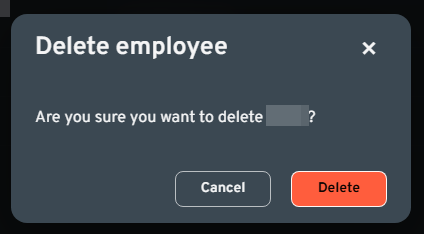 |
Delete employee Removes their web-admin account and access. |
Edit Employee
When you click Edit, the Edit <username> panel lets you configure:
- Username & Email
- Employee role (and “Owner permission” checkbox for full rights)
- ggLeap Permissions: center settings, PC/Console control, user management, shop, licenses, games/apps, reports, add-ons
- ggRock Permissions: view/manage machines, arrays, snapshots, writebacks, activity logs, etc.
- Login methods (password/2FA)
Once you’ve made changes, click Save to apply immediately.
Security tip: Enabling Two-factor authentication and enforcing strong passwords on this page is critical for protecting your center’s admin interface.