

 Español
 中文
 العربية
How to setup age rating for a game
Setting the age rating for a game will prevent underage users from being able to access it. The date of birth of the users in registration will allow the games/apps manager in the web admin to determine
-
Go to Settings > Client configuration > Games/Apps.
-
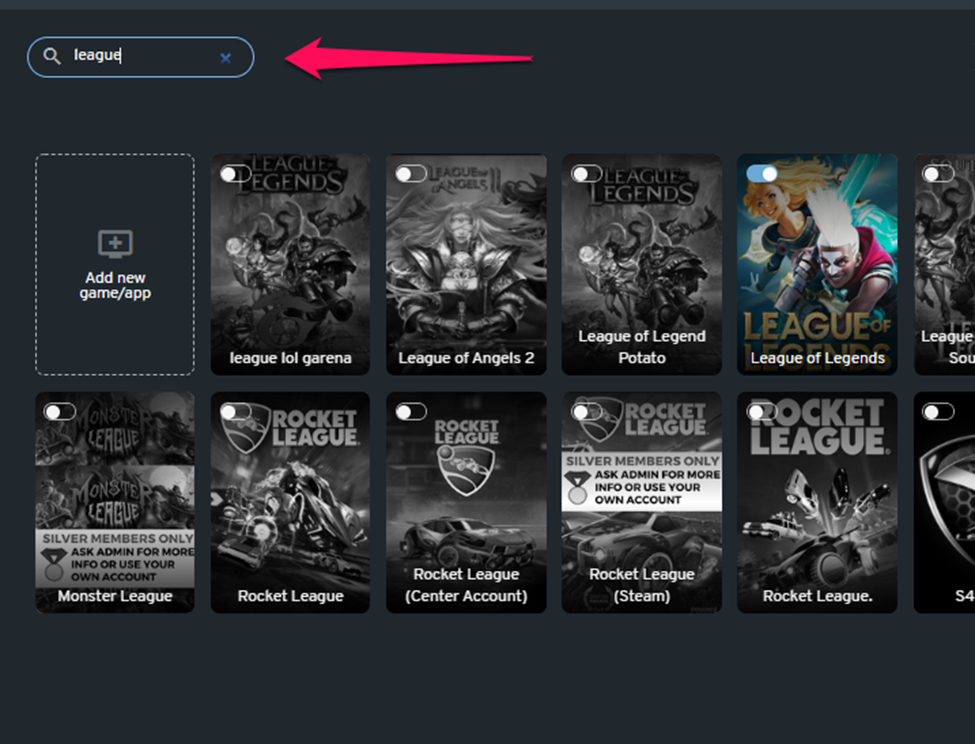
Search for the game where you want to set an age restriction.
-
Click on the game catalog to see its details, then set the age in the "Age rating" field.
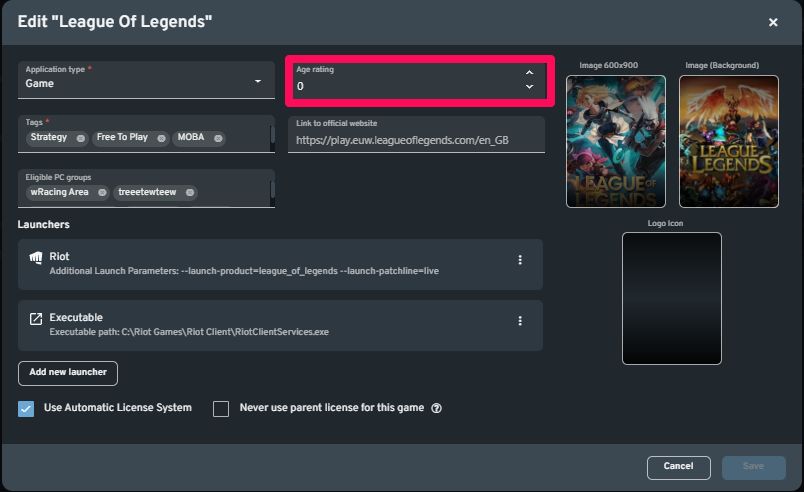
Once done editing, click the "Save" button. Be sure to restart the client PCs to apply the changes.