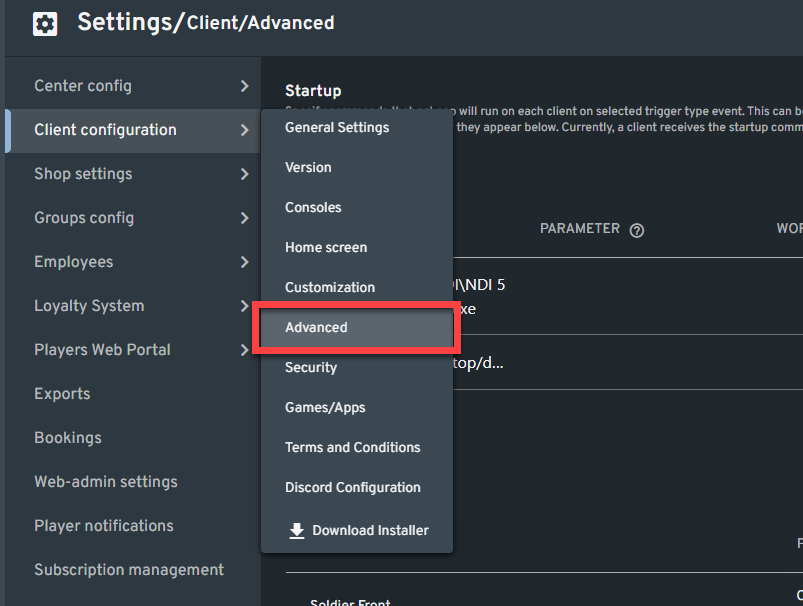
In the web admin, navigate to Settings > Client Configuration > Advanced.
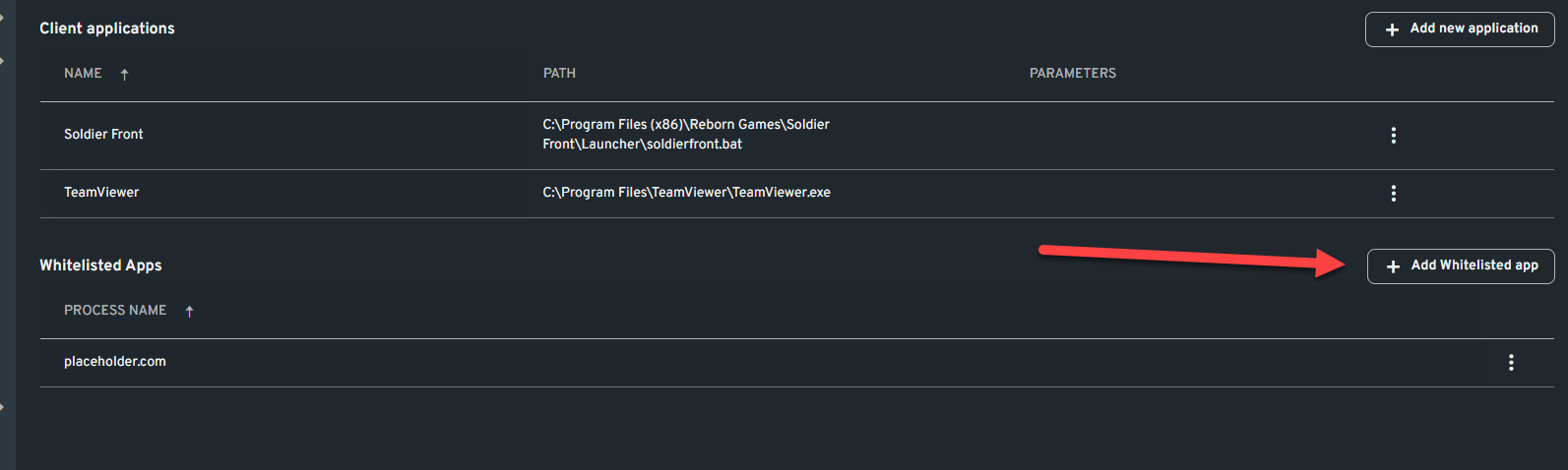
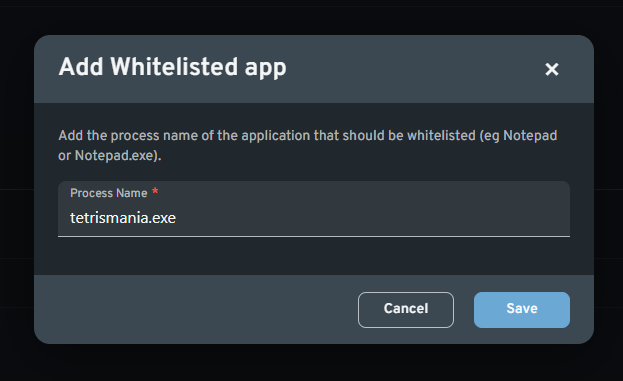
Scroll down to the Whitelisted Apps section at the bottom of the Advanced page. Here, you can add the application's process name that you want to whitelist in ggLeap Shell.
| Startup commands with the trigger types Startup and Logout are automatically whitelisted by ggLeap.


 Español
 中文
 العربية
 | Startup commands with the trigger types Startup and Logout are automatically whitelisted by ggLeap.