Español
 中文
 العربية
Deleting a Console
To delete a console from the console list:
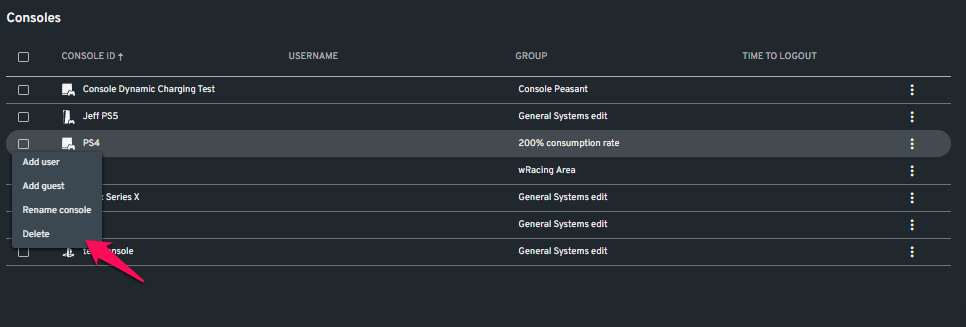
- Scroll down. Under the Consoles section of the page, right click on the console node that you want to delete.
- Select Delete
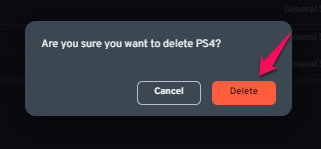
- In the popup window, select the "Delete" button.
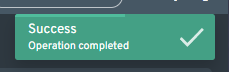
- There will be a notification in the upper right letting you know your changes have been confirmed.