

 Español
 中文
 العربية
Consoles
Location: Settings ▶ Client configuration ▶ Consoles
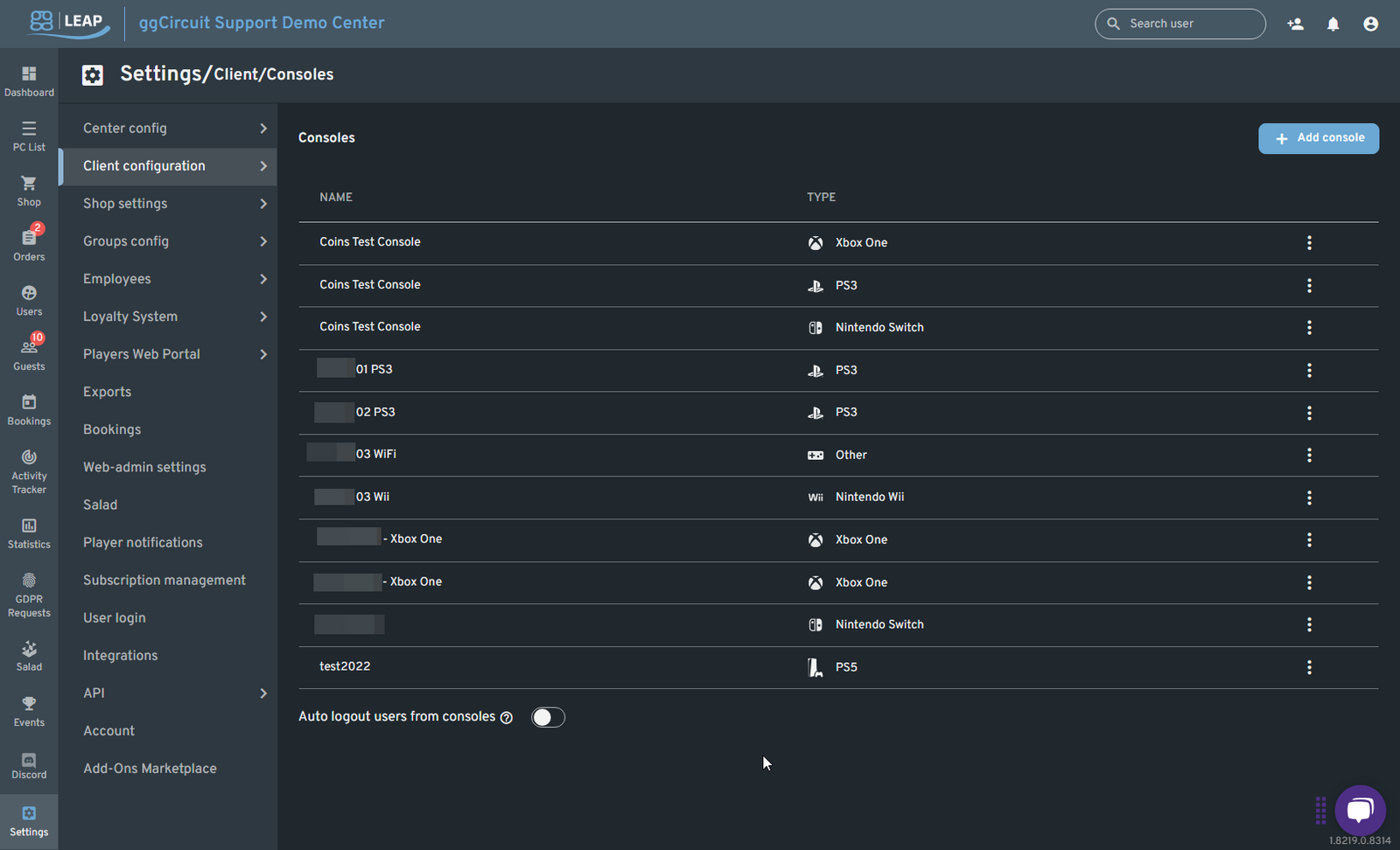
Here you register and manage your console devices:
- Add console
Click + Add console to register a new device (Xbox, PlayStation, Switch, etc.). - Console list
Shows Name and Type for each console. - Edit / Delete
Use the ⋮ menu at the end of each row. - Auto logout users from consoles
Toggle to automatically sign users out when their console session ends.