Español
 中文
 العربية
ggRock Scheduler - Adding New Behavior
Behaviors are defined as a collection of related entries that describe the behavior of a machine. Similar to our ggLeaps very own PC groups function. It lets you apply schedule to certain machines.
Select "Scheduler " from the ggRock Menu then click "New Behavior"
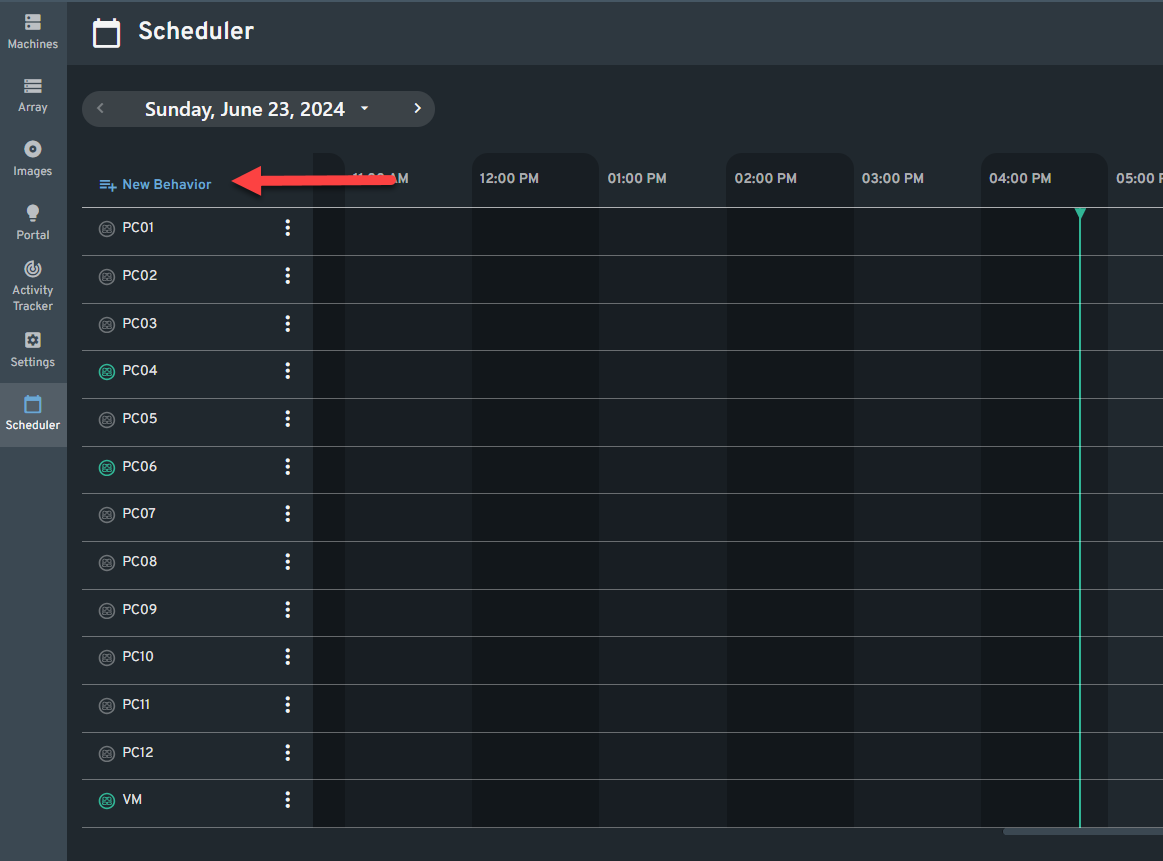
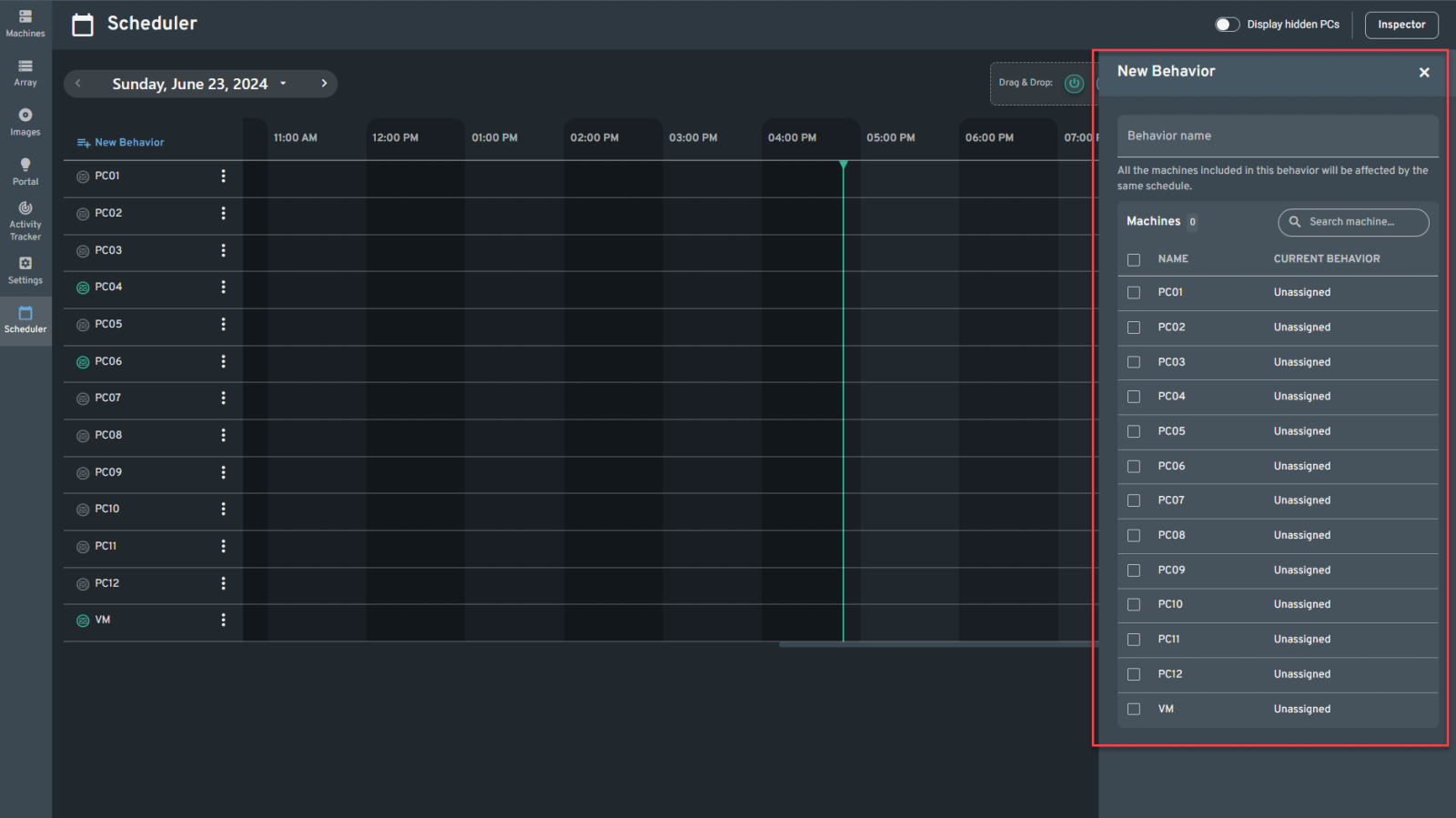
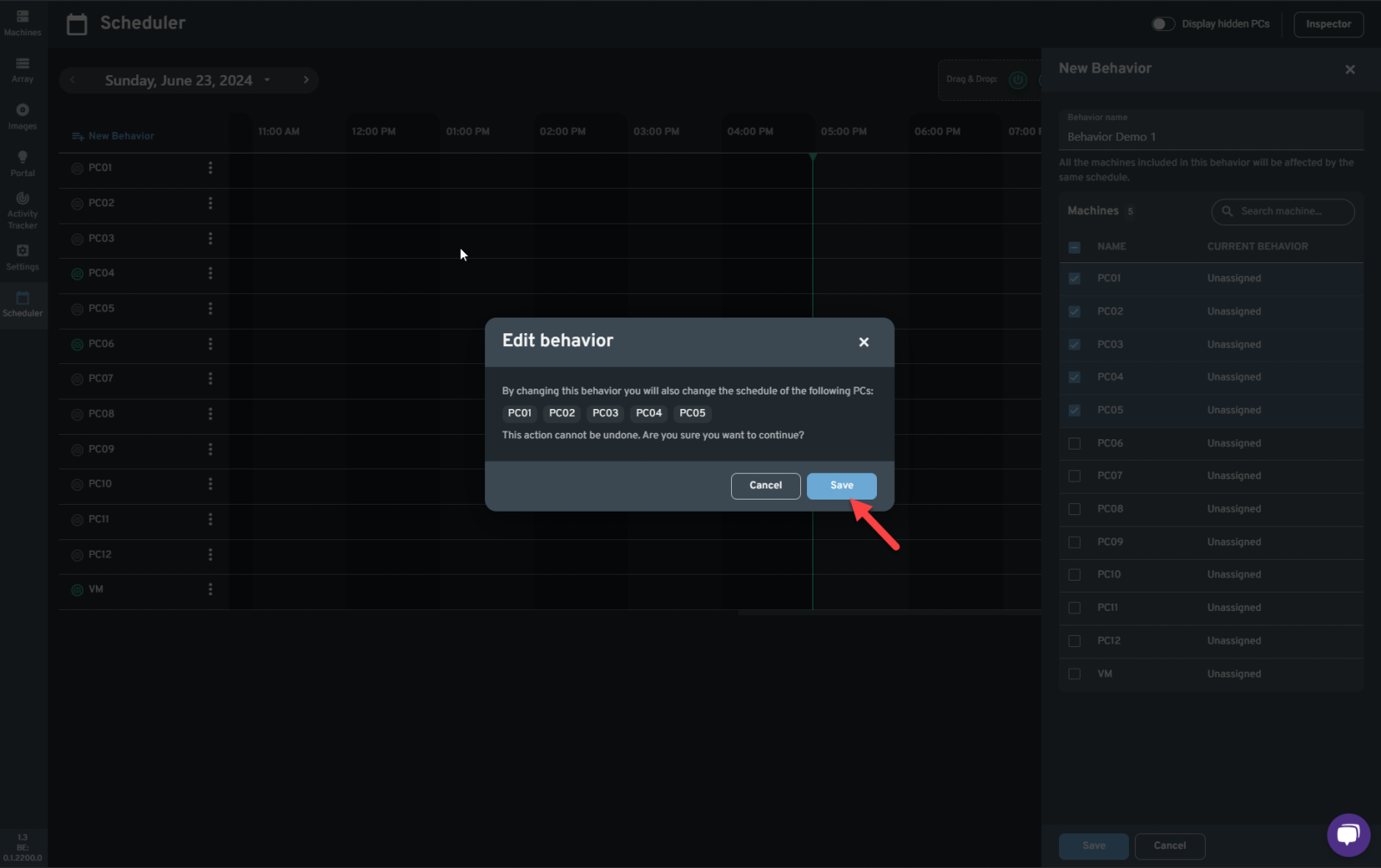
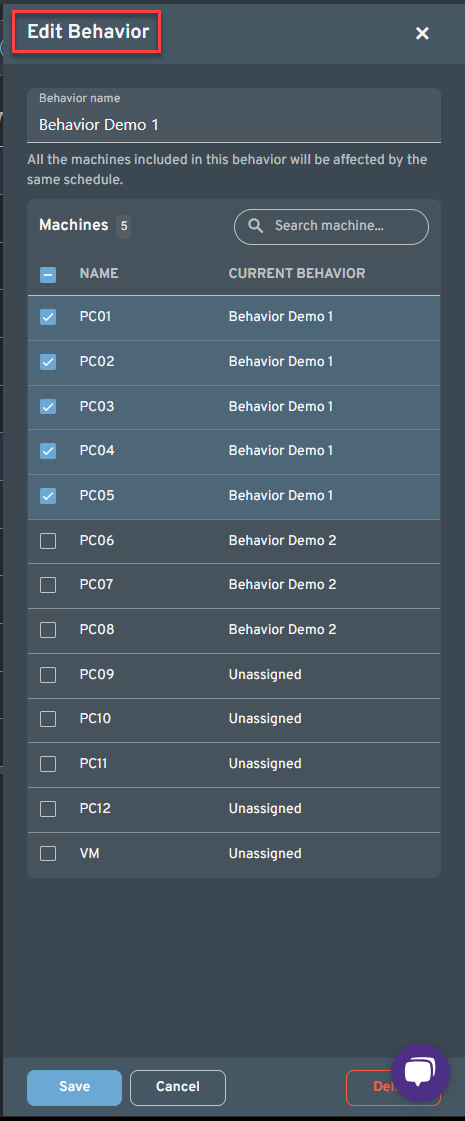
A new window will pop up and let you enter the New behavior name and select the PCs you want to add in this behavior.
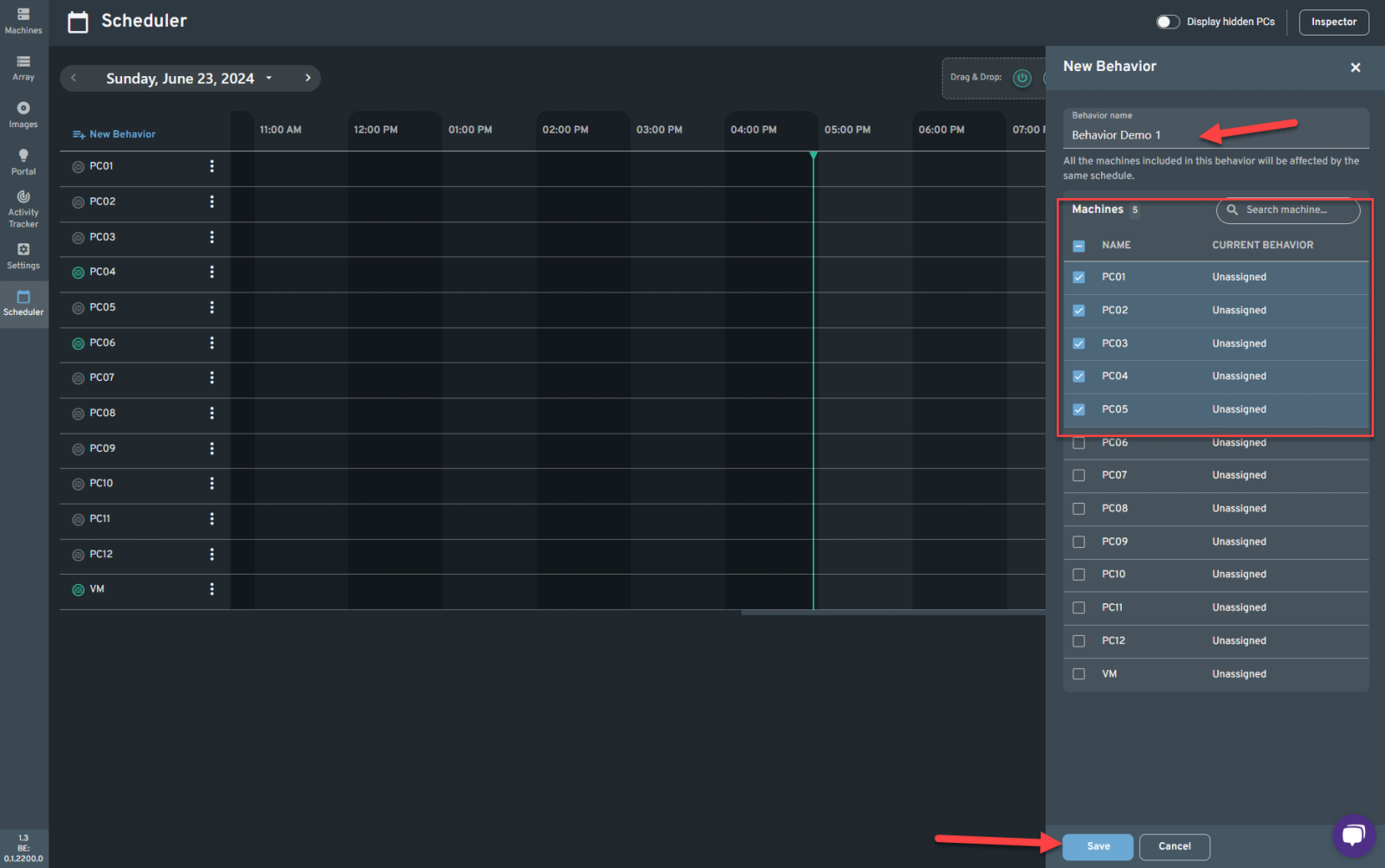
Enter a behavior name and select the machines you want to include in this behavior then click Save.
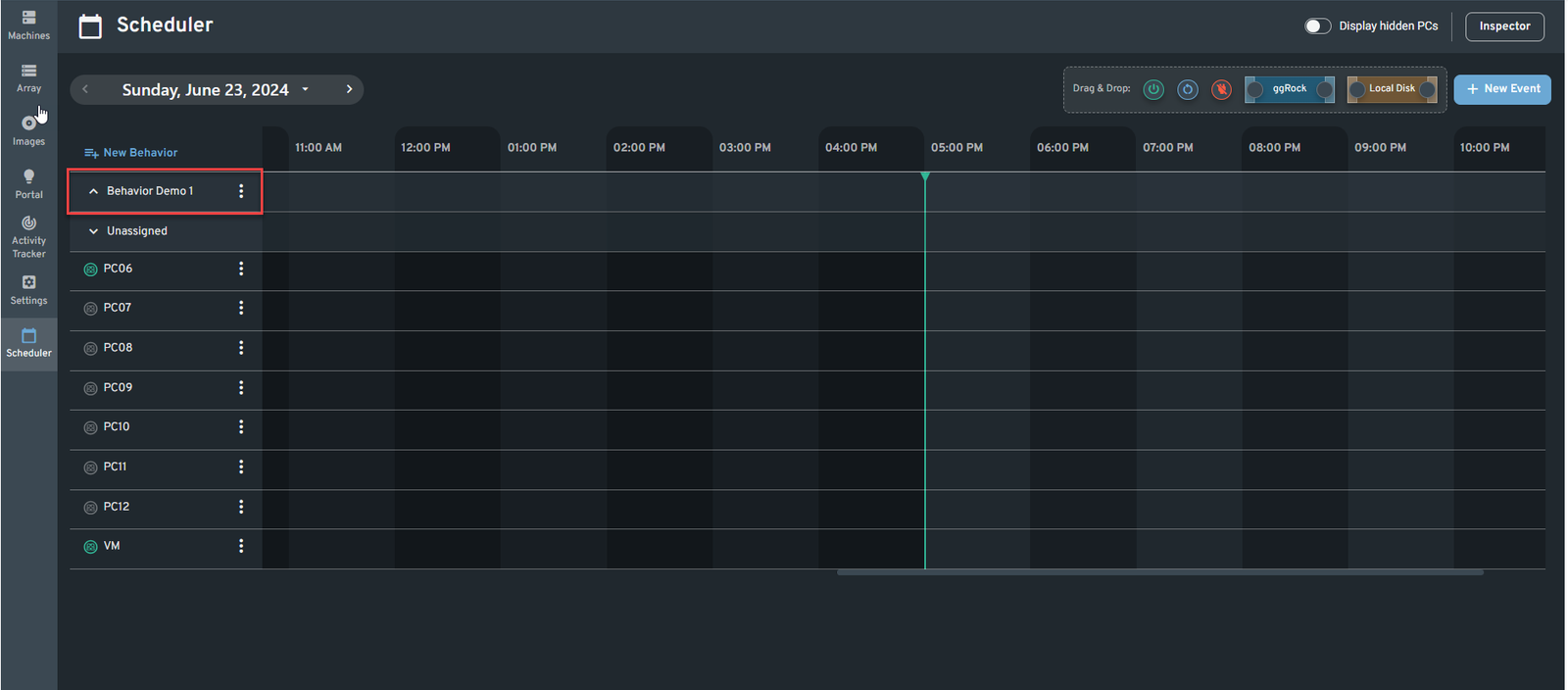
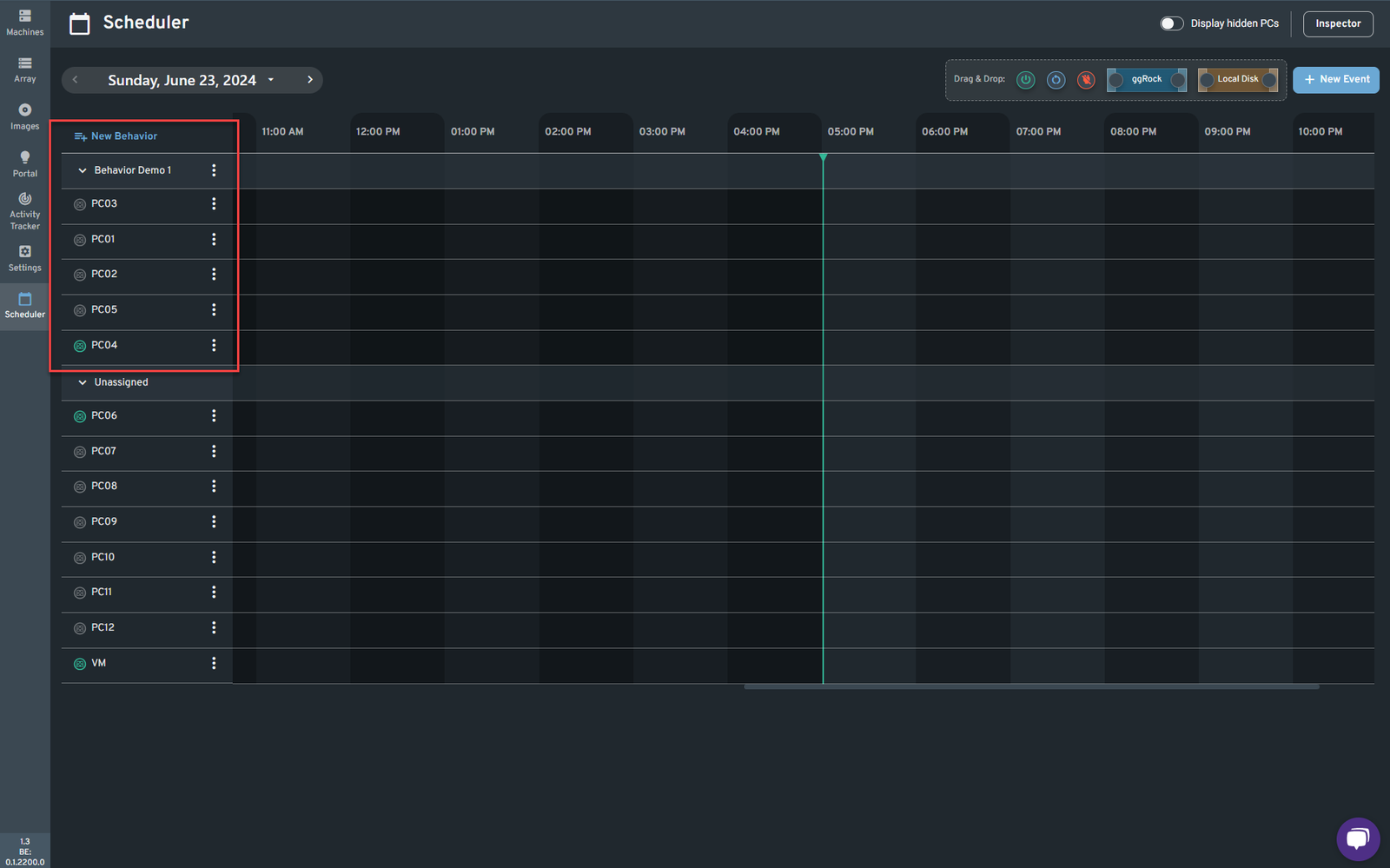
Upon Saving you will now see the behavior on your Scheduler page and clicking the drop down arrow will show you the list of machines added on this behavior.
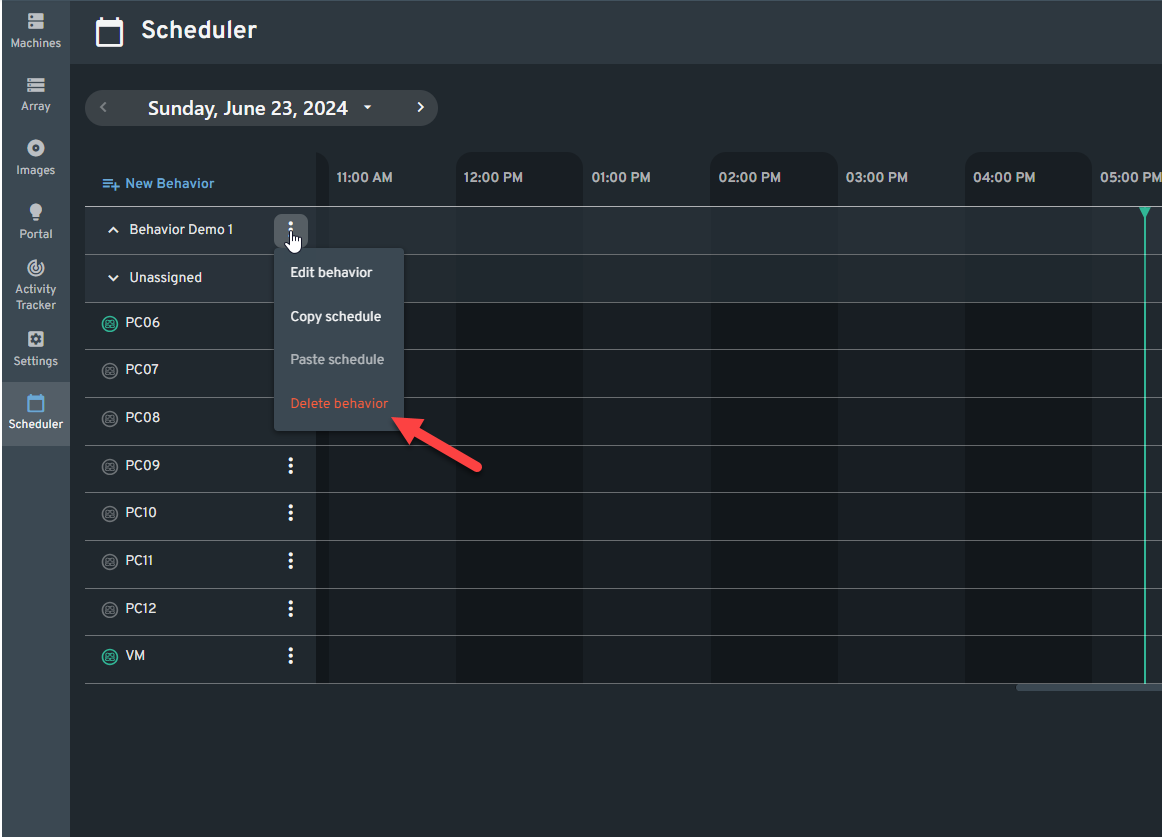
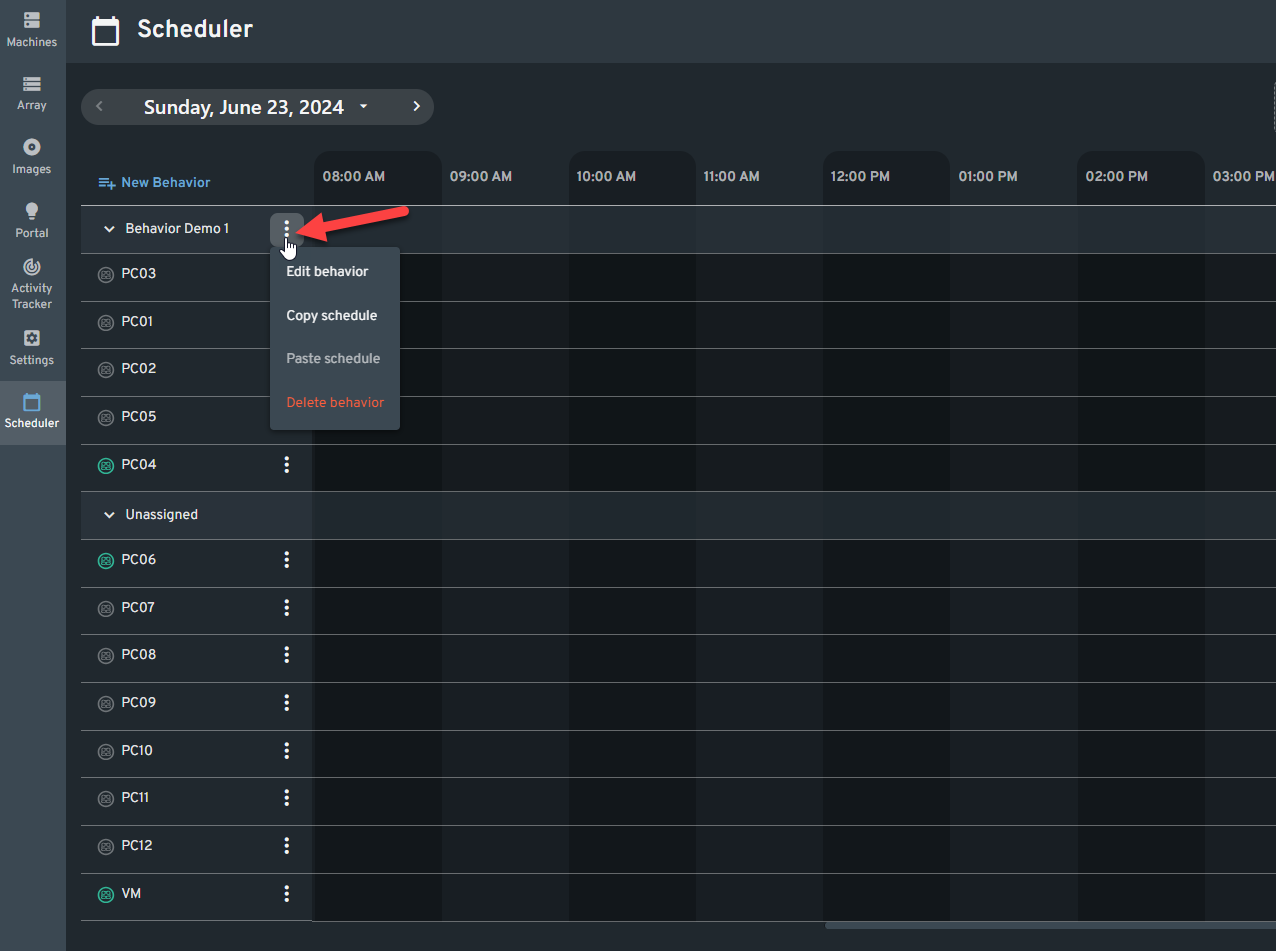
Click the Behavior's Kebab Menu and you will see the following options:
Edit Behavior
Copy Schedule
Paste Schedule
Delete Behavior
Edit Behavior - Let's you edit the Behavior name. I also allows you to add or remove machines included in this behavior.
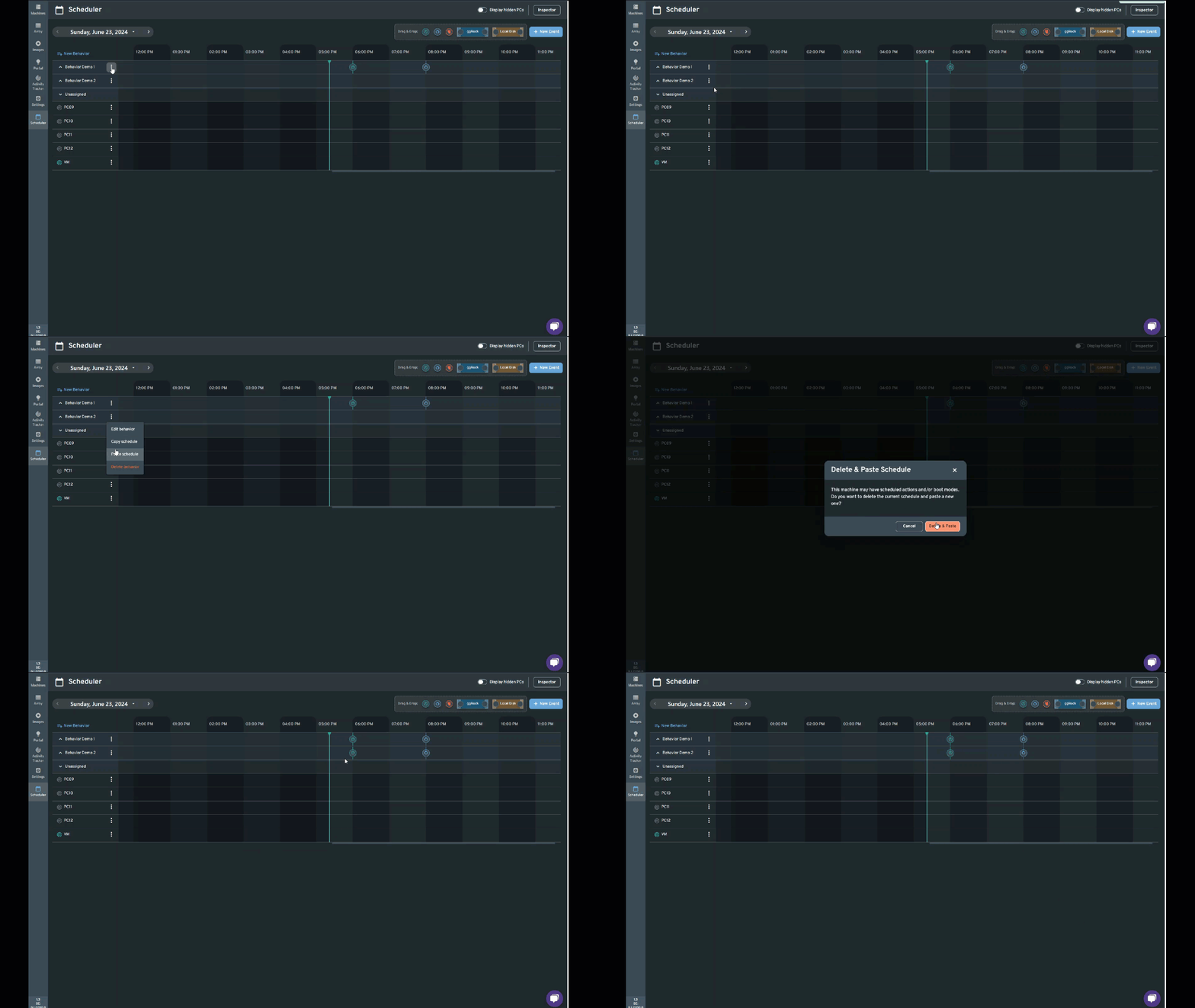
Copy Schedule - This will let you Copy a schedule of a certain behavior with the intention to apply it to another behavior
Paste Schedule - After copying a schedule from another behavior, the paste option should be enabled.
Delete Behavior - Deletes the behavior including all the schedules created under it.