

 Español
 中文
 العربية
Portal
This article describes the "Portal" tab within the ggRock Web UI, which provides access to a mechanism to submit product ideas.
Submitting an idea
To submit an idea, click the blue "Submit idea" button at the top-right of the Portal tab within the ggRock Web UI.
Idea Categorization
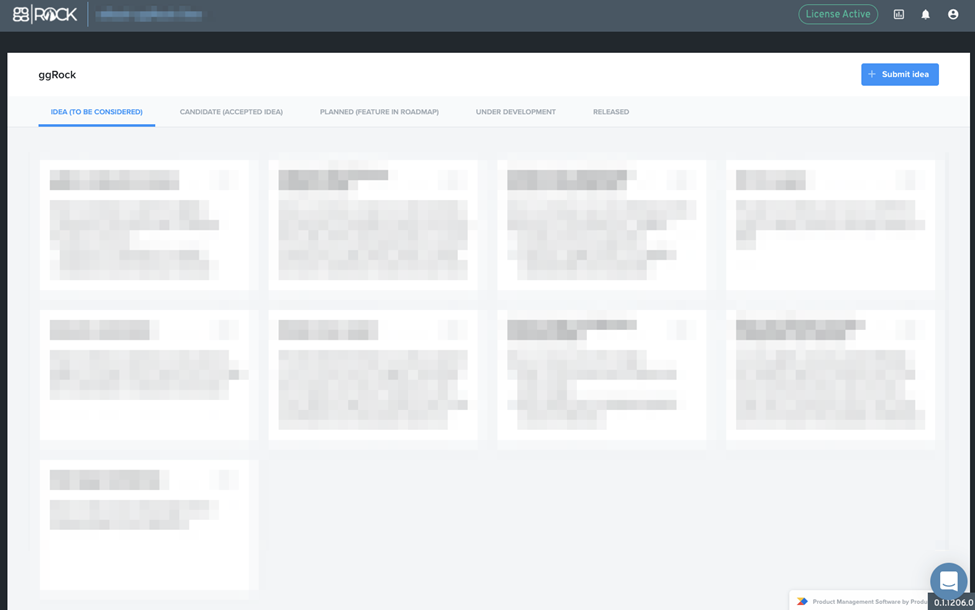
Ideas are categorized by ggRock staff in one of several ways.
Idea (To Be Considered)
When an idea is submitted, it is reviewed, and if accepted is moved to the "To Be Considered" tab.
Candidate (Accepted Idea)
If an idea is agreed upon by the team, it is moved to the candidate section.
Planned (Feature in Roadmap)
Once an idea has been accepted, it is added to the roadmap with an estimate of implementation time.
Under Development
When an idea is met in the roadmap, it is assigned to the development team for implementation.
Released
When an idea is fully developed and added to the product, it is moved to the "Released" tab to indicate it is a feature present in the product.