

 Español
 中文
 العربية
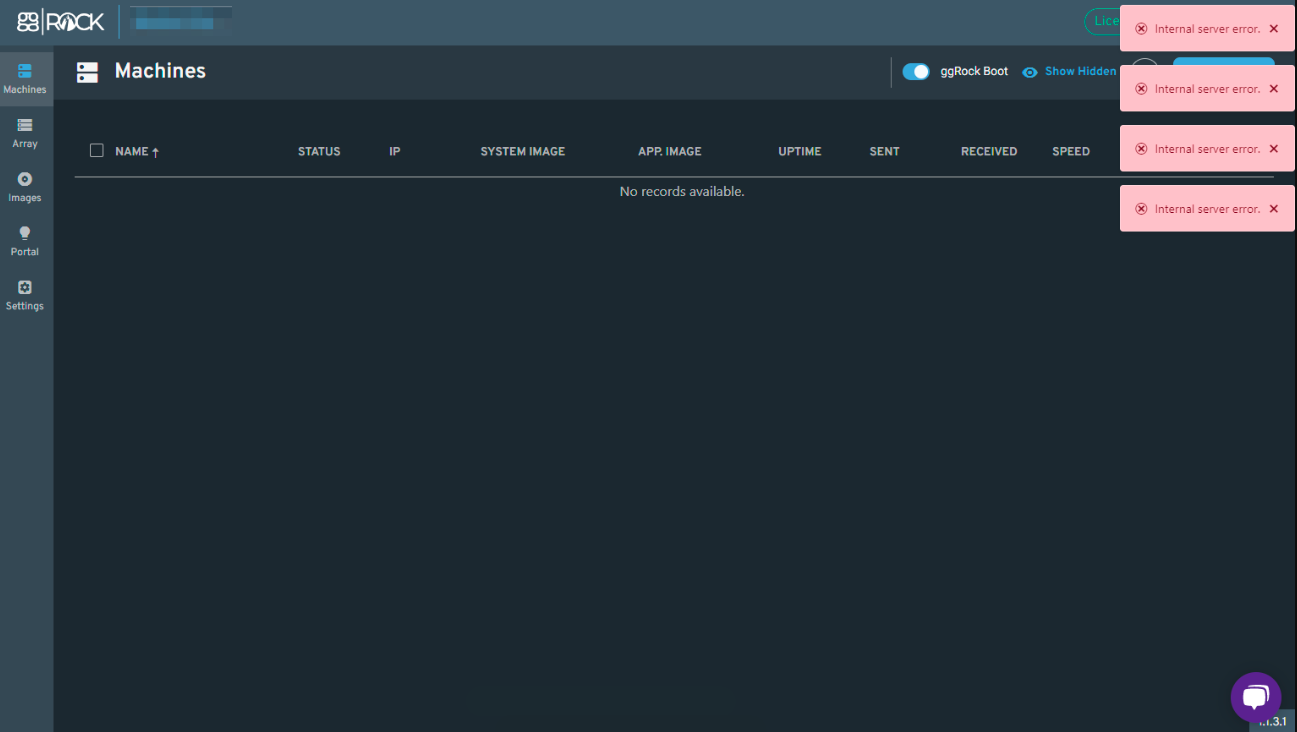
Internal Server Error: No records found. The Machines and Array tabs are empty.
This article summarizes and provides a solution for a situation which can result in internal server errors and blank displays for Machines, Array, and Images
Problem
"Internal Server Error" as well as "No records available." is displayed at the ggRock Console for Machines, Array, and Images.
NOTE:
The ggRock server log may contain the following error:
The ZFS modules are not loaded.
Solution
- Access the ggRock Server Console.
- Run the following commands:
   apt-get update
   apt-get dist-upgrade
   apt-get --fix-broken install
   apt-get update
   apt-get dist-upgrade
   reboot
- Test booting a system once more.
Was this article helpful?
More in Web UI & service
- 🛠️ Fix: "Failed to Connect to Server" When Opening a VM Console (noVNC)
- Advanced: Remove current owner / license from a ggRock server
- After a new installation of ggRock, unable to change password or log in due to being returned to the initial login screen (0.1.853 ONLY)
- Cannot access ggRock Web UI, This site can't be reached
- Cannot log into the ggRock Web UI