

 Español
 中文
 العربية
Cannot log into the ggRock Web UI
Problem
When attempting to log into the ggRock Web UI, a "Username or password is incorrect." error is displayed in the upper-right corner of the ggRock Web UI.
Solution 1
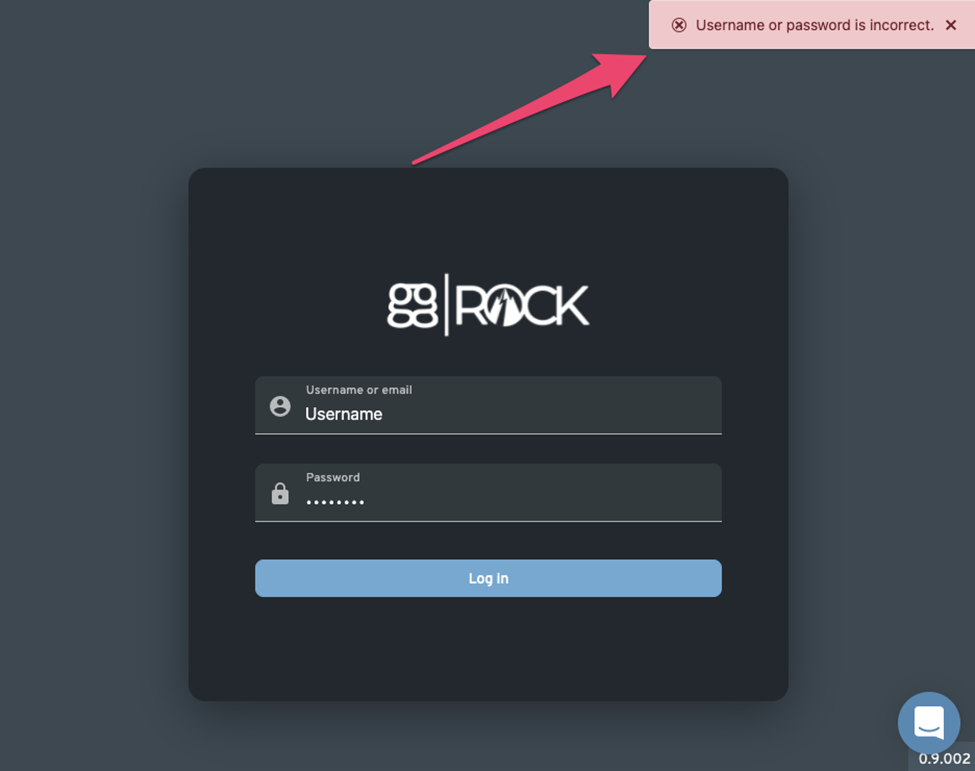
- Confirm that the username and password are correct.
- Attempt login to the ggRock Web UI again.
Solution 2
Restart the ggRock service
- Access the server console via a direct connection to the server, SSH, or via Debian Control Panel.
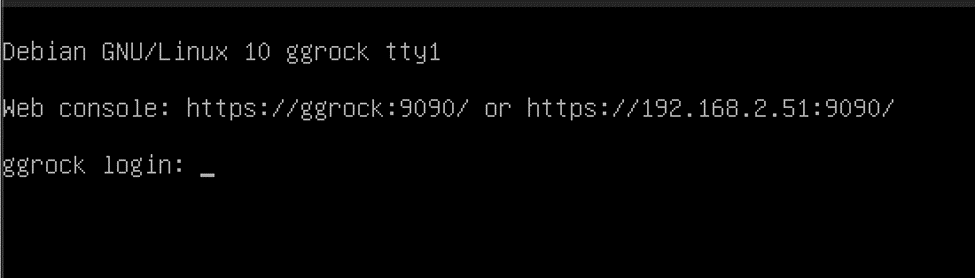
- Log in with the root user, or another admin user on the system.
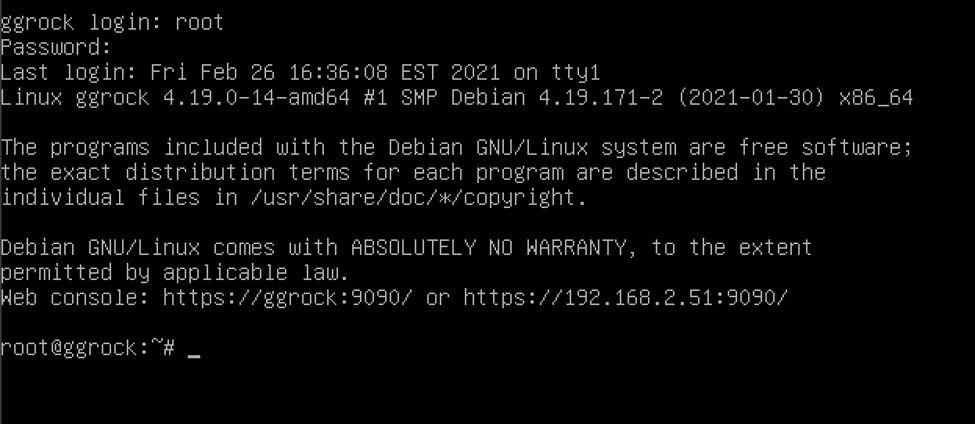
- Restart the ggRock service with the "systemctl restart ggrock" command.

- Attempt to log into the ggRock web UI again.
Solution 3
Reboot the ggRock server
- Access the server console via a direct connection to the server, SSH, or via Debian Control Panel.
- Log in with the root user, or another admin user on the system.
- Reboot the ggRock server with the "shutdown -r now" command.

- Once the server boots back up, attempt to log into the ggRock Web UI again.
Was this article helpful?
More in Web UI & service
- 🛠️ Fix: "Failed to Connect to Server" When Opening a VM Console (noVNC)
- Advanced: Remove current owner / license from a ggRock server
- After a new installation of ggRock, unable to change password or log in due to being returned to the initial login screen (0.1.853 ONLY)
- Cannot access ggRock Web UI, This site can't be reached
- Empty UI but PCs boot, console displays "Failed to add dependency on libvirtd, ignoring: Unknown error -22"