

 Español
 中文
 العربية
View the ggRock Server Log
This article describes steps necessary to view the log for the ggRock Server Application using journalctl.
Exit
Language:
View the ggRock Server Log
- Access the server console via a direct connection to the server, SSH, or via Debian Control Panel.
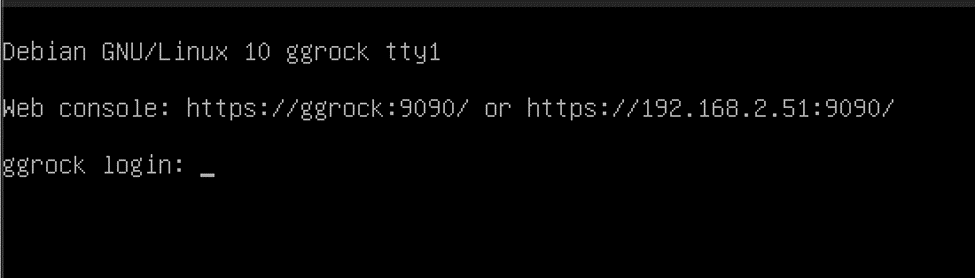
- Log in with the root user, or another admin user on the system.
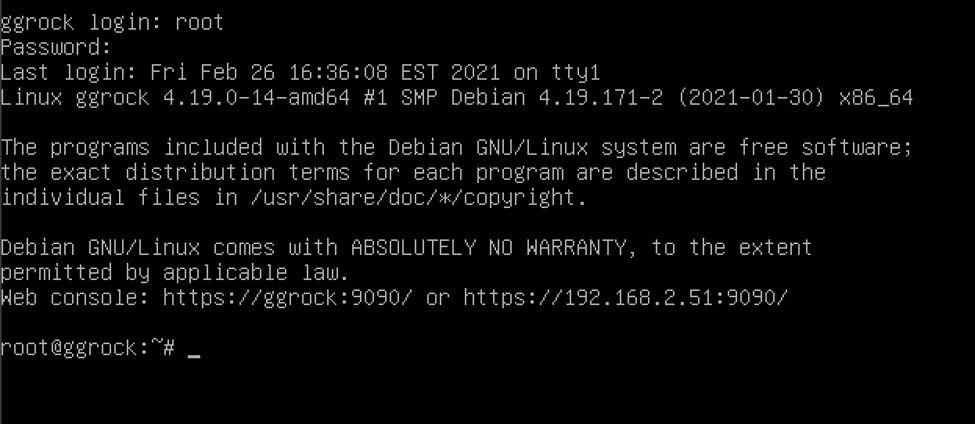
- View the ggRock service log file using the command:
journalctl -u ggrock

Alternatively, you may utilize the
journalctl -u ggrock -f
command to display a running log following the latest events.

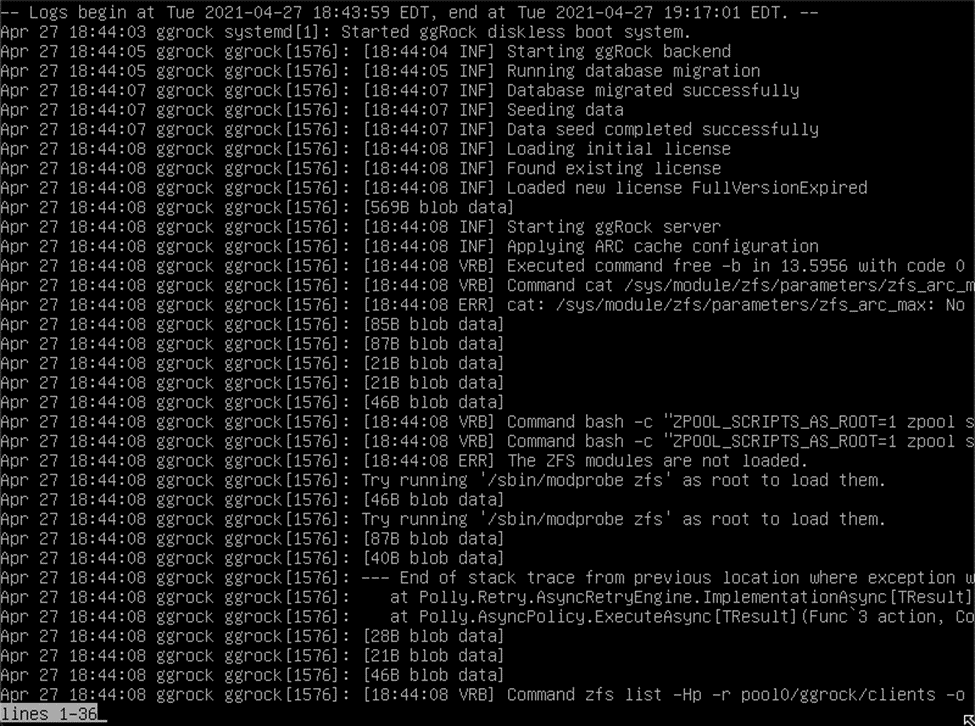
Example log output:
Was this article helpful?
More in Web UI & service
- 🛠️ Fix: "Failed to Connect to Server" When Opening a VM Console (noVNC)
- Advanced: Remove current owner / license from a ggRock server
- After a new installation of ggRock, unable to change password or log in due to being returned to the initial login screen (0.1.853 ONLY)
- Cannot access ggRock Web UI, This site can't be reached
- Cannot log into the ggRock Web UI