

 Español
 中文
 العربية
After a new installation of ggRock, unable to change password or log in due to being returned to the initial login screen (0.1.853 ONLY)
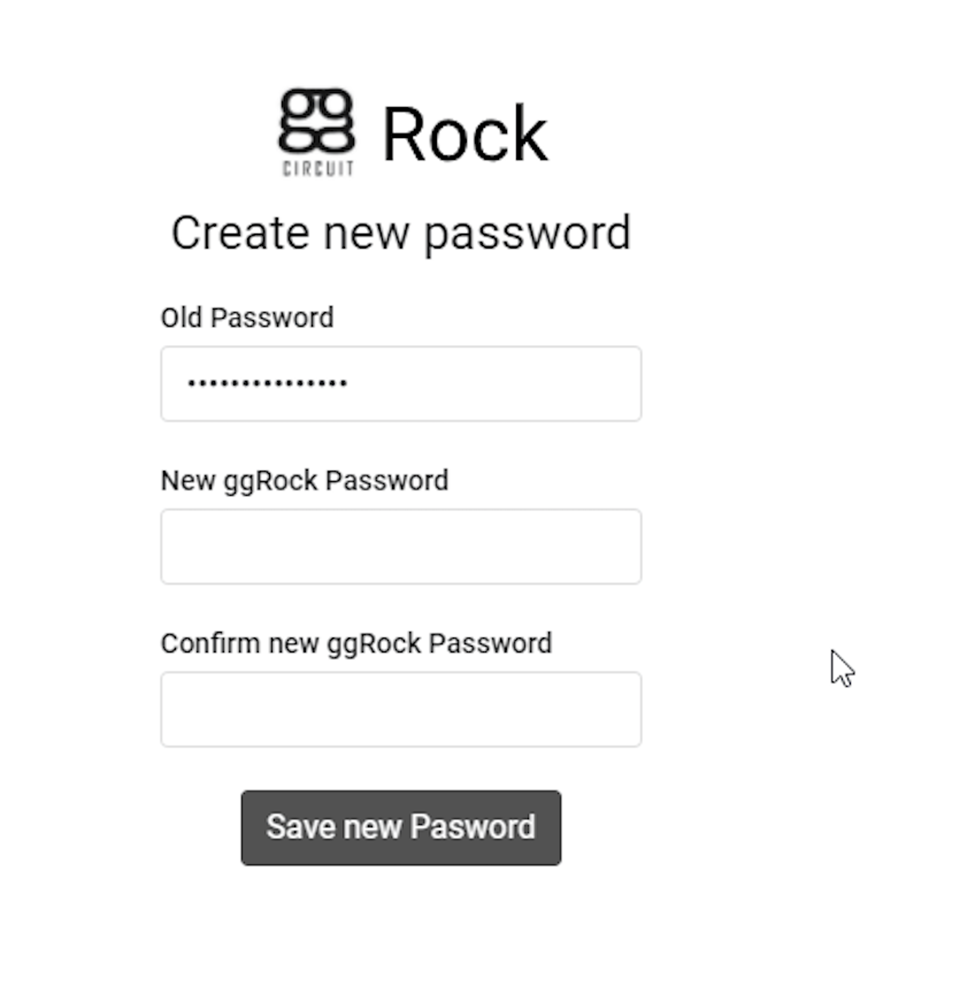
Change password screen appears briefly when logging in the first time on a new ggRock install, however the password cannot be changed
Problem
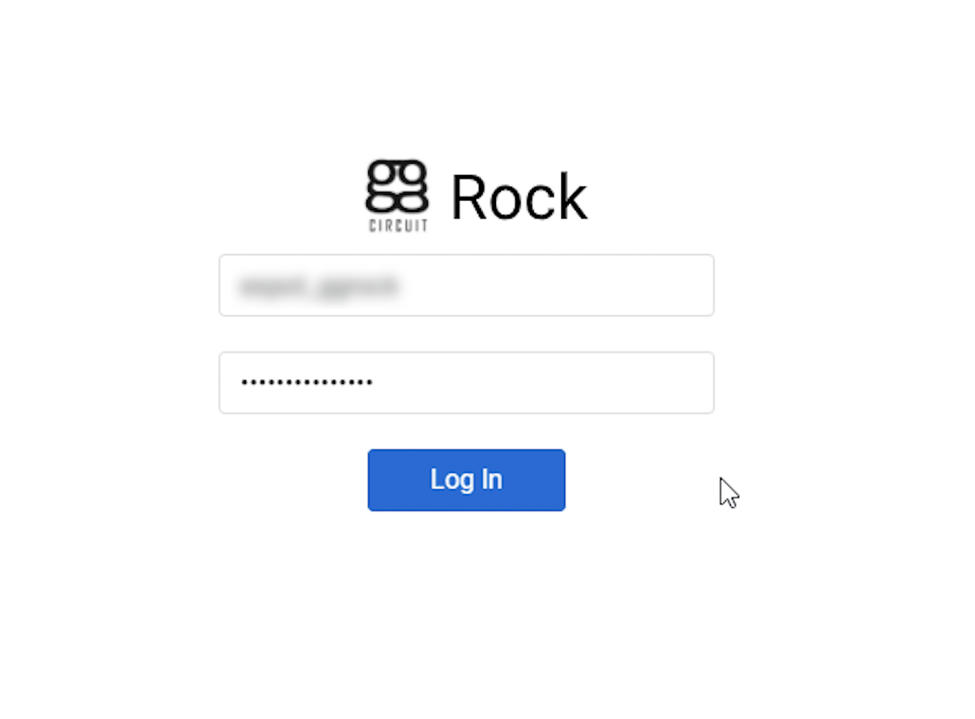
After a new installation of ggRock 0.1.853, upon logging into ggRock the first time:
Workaround
- Install the previous release of ggRock (0.1.761) by issuing the following command:
apt-get install ggrock=0.1.767.0-1
-
Log into ggRock with the user account you wish to bind to the installation.
-
Change the password, as required.
-
Observe successful login to the product

-
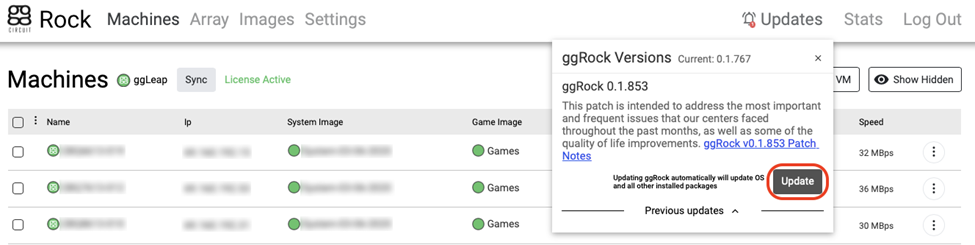
Click the "Updates" link at the top-right of the ggRock page

- Click the "Update" button to update to the latest release (0.1.853 as of the writing of this article)
Was this article helpful?
More in Web UI & service
- 🛠️ Fix: "Failed to Connect to Server" When Opening a VM Console (noVNC)
- Advanced: Remove current owner / license from a ggRock server
- Cannot access ggRock Web UI, This site can't be reached
- Cannot log into the ggRock Web UI
- Empty UI but PCs boot, console displays "Failed to add dependency on libvirtd, ignoring: Unknown error -22"