

 Español
 中文
 العربية
Cannot access ggRock Web UI, This site can't be reached
This site can't be reached This article describes a workaround and a solution to an issue which might prevent access to the ggRock Web.
Problem
Cannot access the ggRock Web UI
Error message "This site can't be reached"
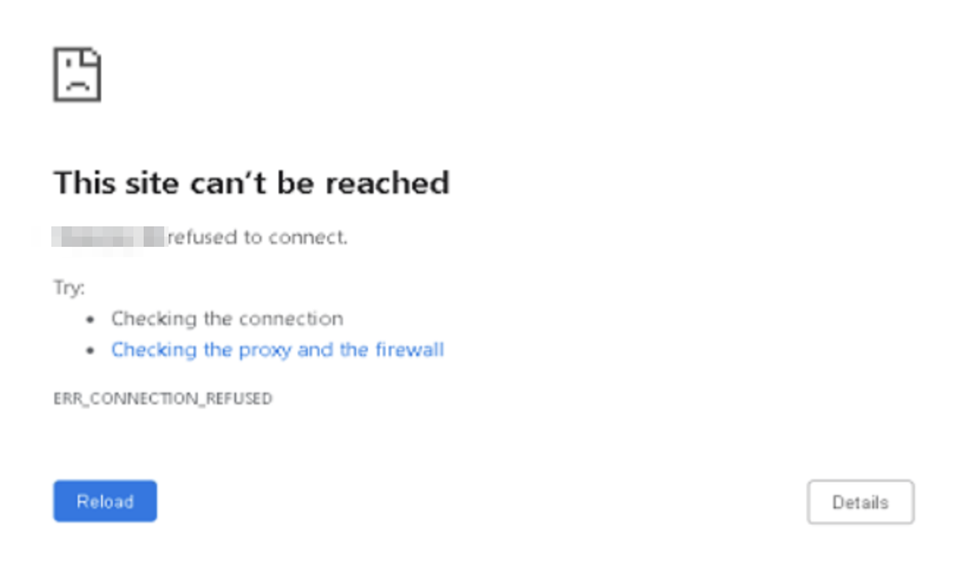
Temporary Workaround
Perform ggRock Installation without enabling the network bridge.
-
Follow the installation steps in the "Install ggRock" manual.
-
When you reach "Step 8. Confirm Network Bridge", answer "No".
-
Continue the Install ggRock manual at "Step 9. Enable IP forwarding".
Solution 1
If any manual changes were made to the /etc/network/interfaces file, installation may fail at the ggrock-linux-configurator step. Revert these changes.
-
Access the**Debian Control Panel.**
-
Revert any changes to the Debian /etc/network/interfaces file.
Solution 2
If you are early in the setup process and ggRock installation has not yet completed, please complete the installation prior attempting to access the ggRock Web UI.
Was this article helpful?
More in Web UI & service
- 🛠️ Fix: "Failed to Connect to Server" When Opening a VM Console (noVNC)
- Advanced: Remove current owner / license from a ggRock server
- After a new installation of ggRock, unable to change password or log in due to being returned to the initial login screen (0.1.853 ONLY)
- Cannot log into the ggRock Web UI
- Empty UI but PCs boot, console displays "Failed to add dependency on libvirtd, ignoring: Unknown error -22"