Español
 中文
 العربية
ggRock Server NIC speed checking
This article describes steps necessary to check the NIC speed of your ggRock Server using the ifconfig command.
Check ggRock Server NIC Speed
- Access the server console via a direct connection to the server, SSH, or via Debian Control Panel.
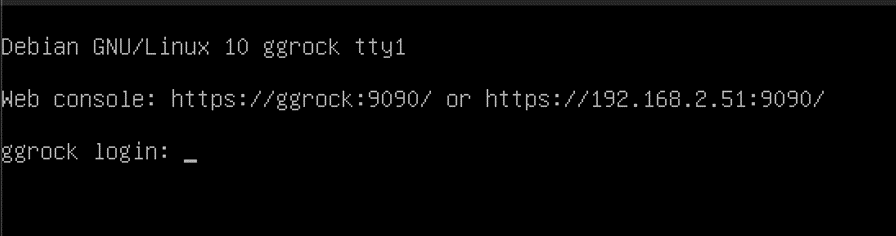
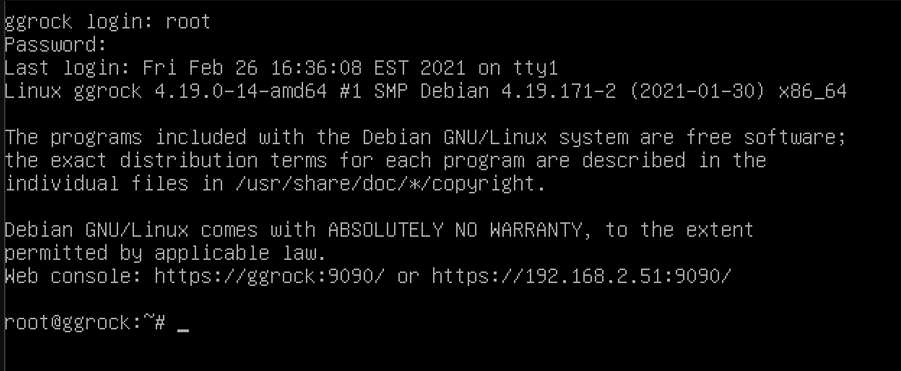
- Log in with the root user, or another admin user on the system.
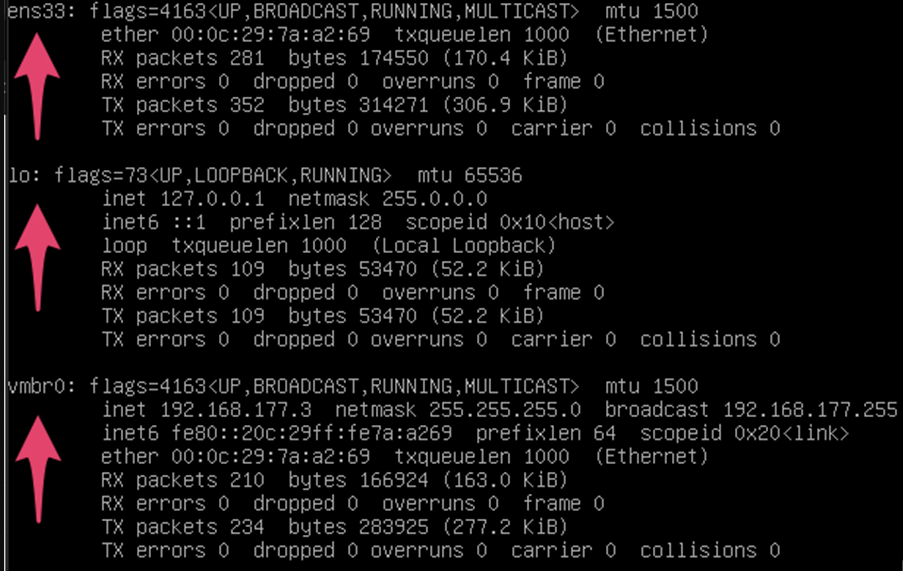
- Check your network interface names with the "ifconfig" command. Take note of the interface which is connected to the address space of the LAN shared with your ggRock Machines.
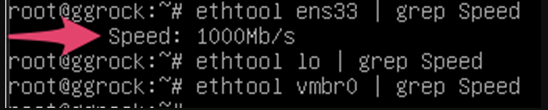
- Run the command
ethtool | grep Speed
where <interfacename> is the name of one of the interfaces from the previous command. Repeat for each interface name. Take note of the speed indicated for the interface that is connected to the LAN with your ggRock Machines. Ensure that this speed matches your expectation, otherwise there may be a configuration issue (e.g. misconfigured or missing network driver in Linux, damaged network cable, misconfigured switch port, etc).