Español
 中文
 العربية
How to find your ggRock Server IP
The intention of this article is to provide different ways to locate your ggRock server for admin tasks.
Language
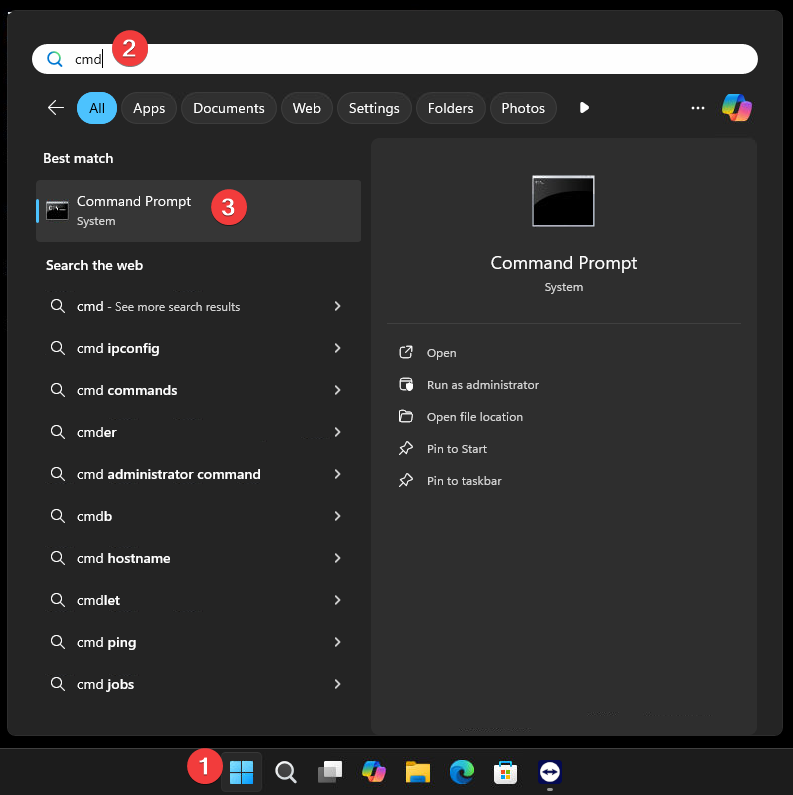
- Open a Command Prompt window on a PC booted to your ggRock server.
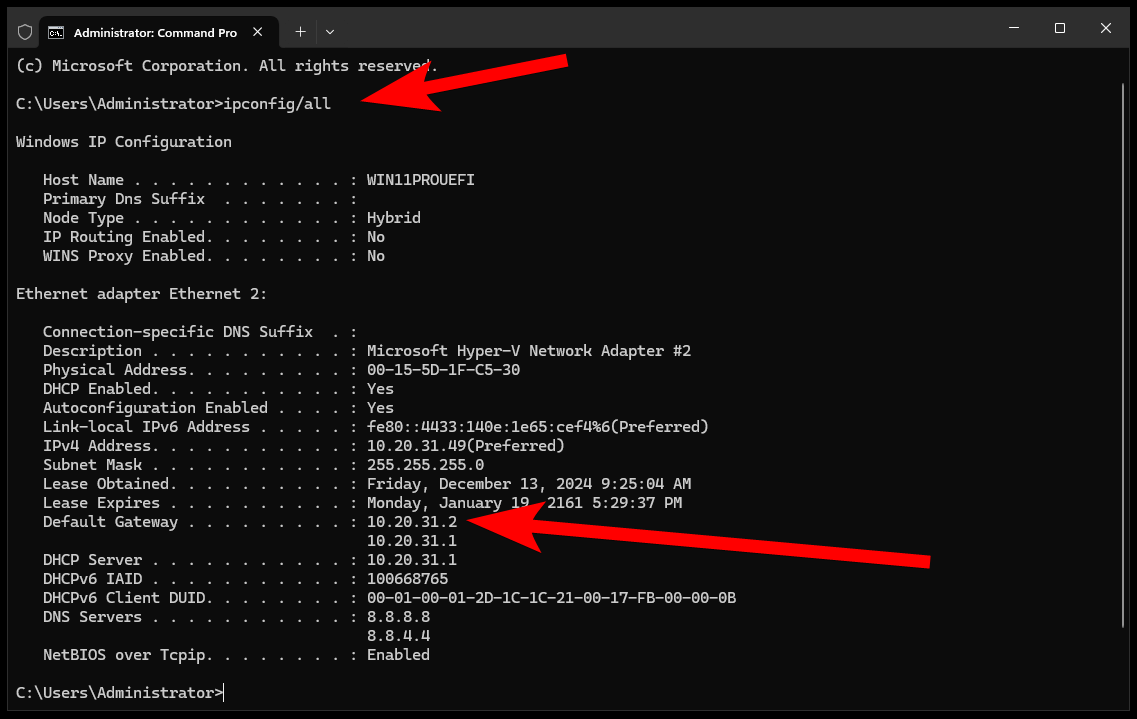
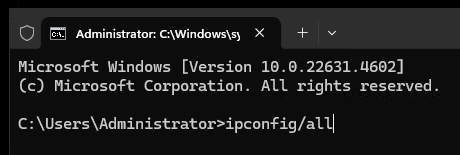
- Type ipconfig/all and press <ENTER>.
- Locate the Gateway Address line(s), one of which will be your ggRock server, the other of which will be your network's default gateway for traffic routing.
Tip:
Your default gateway will typically end in ".1" - if you do not know which yours is you may try both.
- Enter the ggRock server IP into a web browser and press <ENTER>.