

 Español
 中文
 العربية
🕒 Using the Computer Idle Timeout Feature in ggLeap
🔧 How It Works
If a PC remains idle for the set duration—for example, 3 hours—it will automatically shut down.
How to Configure Computer Idle Timeout
-
Go to:
Settings > Client Configuration > General Settings
-
Set the Timeout Value:
Under Computer Idle Timeout, enter the number of minutes or hours you want the PC to wait before shutting down due to inactivity.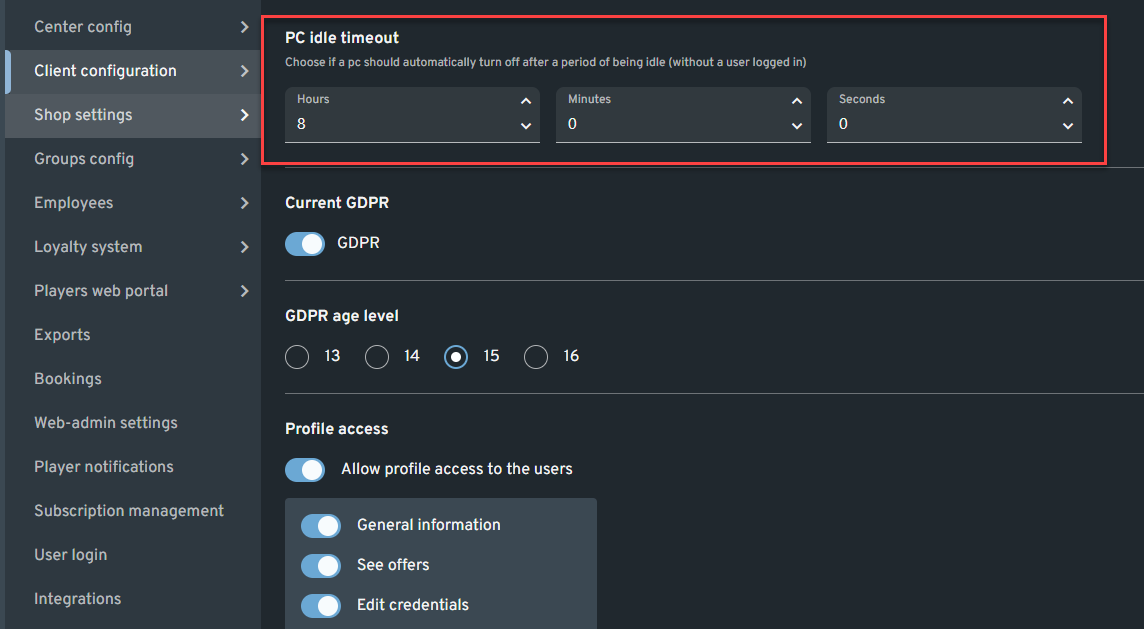
-
Save Changes:
Click "Save changes" to apply the new configuration. -
Restart Client PCs:
Restart your client PCs to ensure the updated setting takes effect.